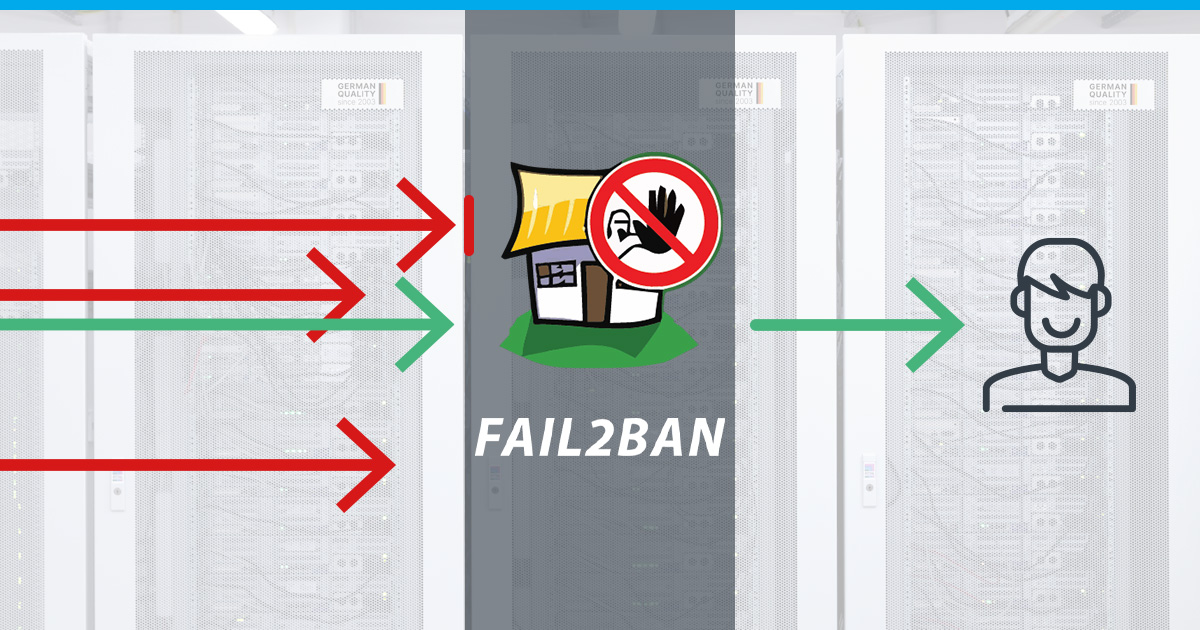
Tutorials · 9 min read What Is Fail2Ban and How to Use It on a VPS What is Fail2Ban and How to Use it On A VPS – Strengthen your VPS security with this powerful intrusion prevention tool.
Tutorials · 14 min read Managing Packages with the Apt-Package Manager Managing Packages with the Apt-Package Manager – Explore the ins and outs of efficient software management for a seamless Linux experience.
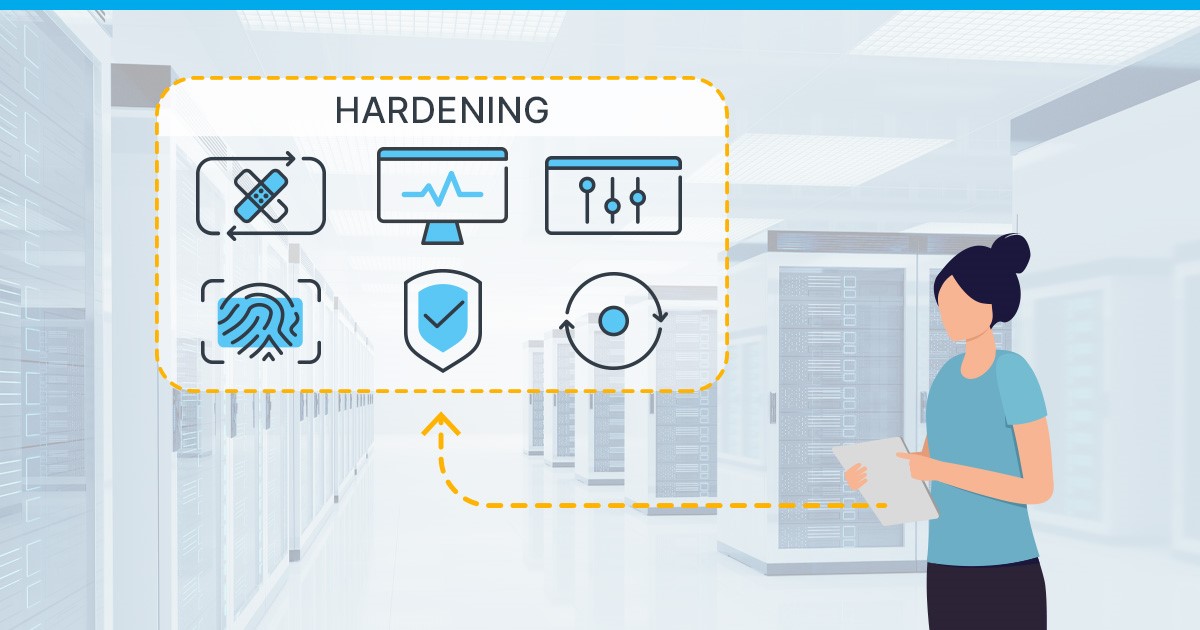
Tutorials · 12 min read Best Practices to Secure your VPS (hardening) Explore essential strategies for VPS security with our guide on Best Practices to Secure Your VPS (Hardening).
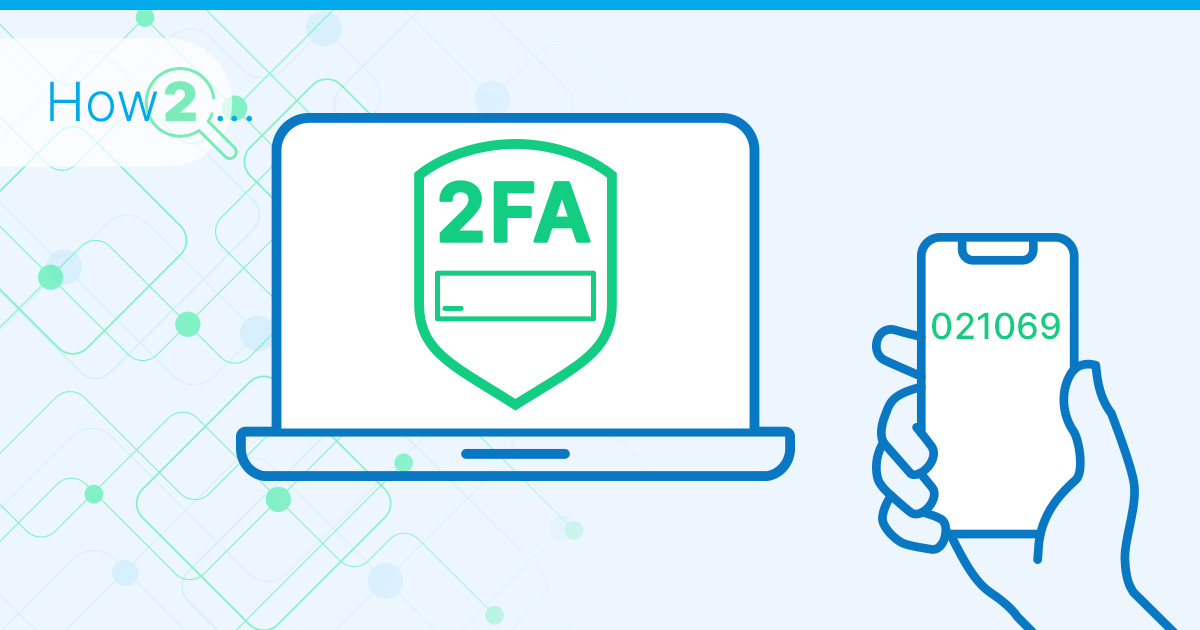
Tutorials · 7 min read How to Enable 2FA/TOTP on a VPS Unlock enhanced security! Learn step-by-step How to Enable 2FA/TOTP on a VPS for robust protection. Safeguard your virtual space.
Tutorials · 17 min read Indicators That Your Instance Has Been Compromised Discover Indicators of a compromised Instance in this article. Safeguard your systems with key indicators. #Cybersecurity
Tutorials · 13 min read Best Practices for Securing Remote Connections to your VPS Explore Best Practices for Securing Remote Connections to your VPS – Safeguard your data with expert tips.
Tutorials · 18 min read Linux Navigation and File Management Discover the essentials of Linux Navigation and File Management in this beginner-friendly guide. Learn key commands, directory structures & more.
Tutorials · 5 min read How to install a GUI and XRDP on Ubuntu and CentOS Learn how to install a graphical user interface (GUI) and XRDP on Ubuntu and CentOS Step-by-step guide with easy-to-follow instructions.
Tutorials · 7 min read Avoiding Data Loss: Backup Strategies In today's digital age, data has become one of the most important assets. In this article, we will discuss the importance of data backup.
Tutorials · 1 min read How to Perform a Network Speedtest Have you ever wanted to know if your server has the specified bandwidth or how fast your internet connection is? We'll show you how you can check it.
Tutorials · 8 min read Changing the Partition Layout of Your VPS after OS Installation Imagine a laptop with a 500 GB disk and Windows as the operating system. By default, Windows is installed on the 500 GB disk. But what if you…
Tutorials · 12 min read How to Self-host Bitwarden on a VPS In this tutorial, we'll show you how to self-host Bitwarden using a virtual private server (VPS).
Tutorials · 5 min read A Practical Guide to Superuser Accounts, sudo & root User rights is one of the first concepts you have to understand when dealing with Linux. This guide is ideal for users who just installed their first Linux…
Tutorials · 8 min read How to Use SSH Keys with Your Server Simply password-protecting your Linux server no longer cuts it (they're vulnerable to online and offline brute force and dictionary attacks, and people historically are terrible with maintaining secure…
Tutorials · 10 min read How Does Virtualization Work Exactly? (Cloud Explained Series) In the first article of this series, we explained that the existence of virtual instances like VPS is possible thanks to technology called virtualization. But how does virtualization…