
.svg)
DOKPLOY VPS HOSTING
Dokploy VPS Hosting - Deploy Apps on Your Server
 Free, Self‑Hosted PaaS Docker & Compose Deployments Full Server & Domain Control
 Deploy and manage apps on your own Contabo VPS with Dokploy. Use a clean web dashboard, Docker workflows, and keep full control over domains and SSL.
Dokploy
Starter
Dokploy
Starter
Perfect for your first self-hosted app, a test environment, or simple internal tool for you or your team.
4 vCPU Cores
8 GB RAM
100 GB SSD
Auto Backup available
Dokploy
Multi-App
Dokploy
Multi-App
Great for multiple services, databases, and template-based deployments on one VPS.
8 vCPU Cores
24 GB RAM
300 GB SSD
Auto Backup available
Dokploy
Team Deployment
Dokploy
Team Deployment
Built for production apps, shared team workflows, and heavier Docker-based deployments.
16 vCPU Cores
64 GB RAM
500 GB SSD
Auto Backup available
What is Dokploy?
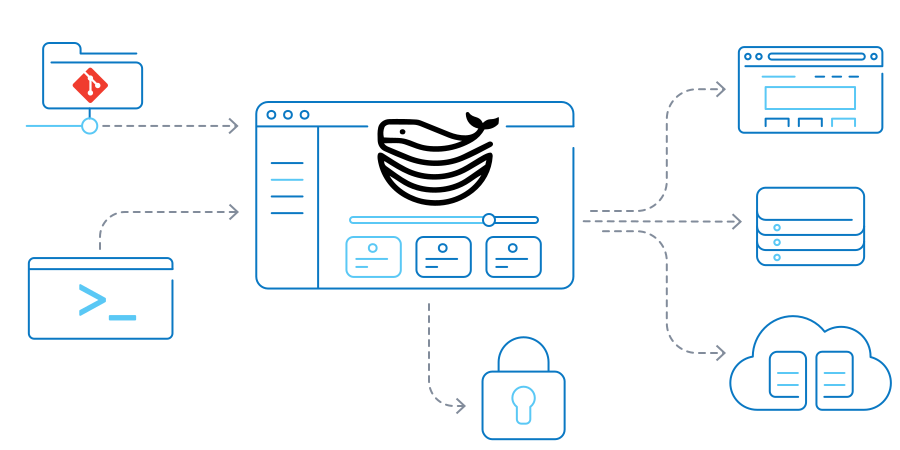
Dokploy is a self‑hosted PaaS, which gives you a web dashboard to deploy and manage applications, databases, and services on infrastructure you control. It is similar to Vercel or Heroku but fully self‑managed.
Dokploy gives you a web dashboard for Git‑based deployments , Docker and Docker Compose support, automatic SSL via Traefik, and centralized control of domains and infrastructure. On a Contabo VPS, Dokploy becomes a practical way to run your own deployment platform with full server‑level control, without relying on a third‑party cloud.
What Can You Do With Dokploy?

Docker Compose and Docker Swarm Support
Deploy Dokploy Docker Compose stacks with built-in handling for volumes, networks, and environment variables, or use Dokploy Docker Swarm for multi-node clusters.
App Templates and Database Support
Launch Dokploy templates like Plausible, Pocketbase, and Cal.com, then provision PostgreSQL, MySQL, MongoDB, MariaDB, LibSQL, or Redis with storage and S3-compatible backups.

Automatic SSL, Traefik, and Custom Domains
Dokploy uses Traefik for routing, wildcard subdomains, and custom domains. It can issue Let’s Encrypt SSL with DNS pointed to the server. Dokploy Cloudflare Tunnels are built-in and can run alongside Dokploy through Docker Compose.

Multi-Server Management and Monitoring
Build Dokploy multi server setups and manage them as a cluster as your workloads grow. Benefit from Dokploy cluster support, real‑time monitoring, detailed deployment logs, and clear resource usage tracking.
Get Started in Minutes with Dokploy
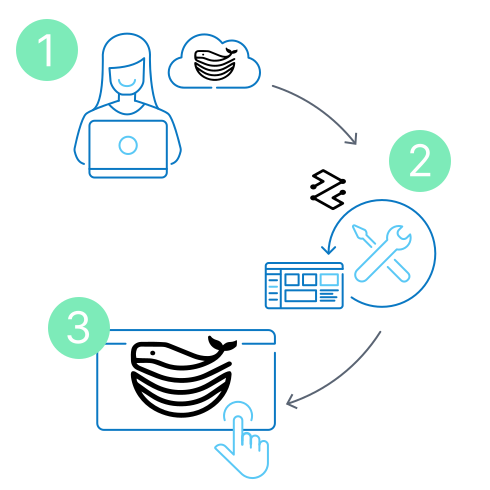
Step 1: Choose Your Plan
Pick a Contabo Dokploy VPS hosting plan with at least 2 GB RAM and 30 GB disk (4 GB recommended for multiple apps), then deploy it in your preferred region.
Step 2: Install Dokploy
SSH into your server and run the one-line Dokploy install script, which sets up the Dokploy dashboard and Traefik reverse proxy for you.
Step 3: Deploy from the Dokploy Dashboard
Open Dokploy, create an admin account, point your domain DNS to the server, then connect a Git repo or Docker Compose file and ship your first app.
Dokploy System Requirements and Recommended Server Specs
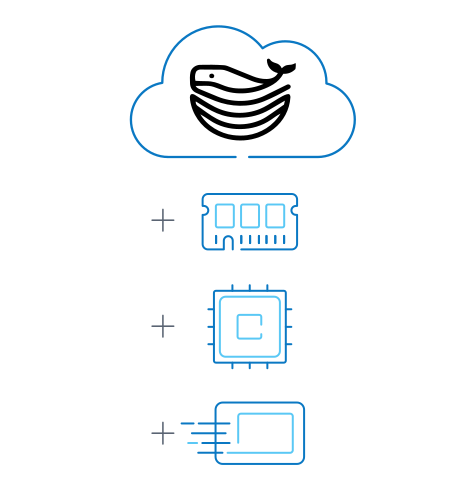
Dokploy installations run on modest hardware, but your apps and databases need headroom. As a minimum, plan for 2 GB RAM, 1 vCPU, and 30 GB disk on your Contabo VPS, with port 80 and 443 open for the Dokploy dashboard (and port 22 for SSH).
- Small app / testing: 2–4 GB RAM, ~40–80 GB disk.
- Multi-app stack: 4–8 GB RAM, ~80–160 GB disk.
- Heavier or production use: 8 GB+ RAM, 160 GB+ disk.
Pick the line that matches your workload, not just the minimum, and scale your Contabo VPS plan as your Dokploy setup grows.
Why Host Dokploy on the Contabo Cloud?
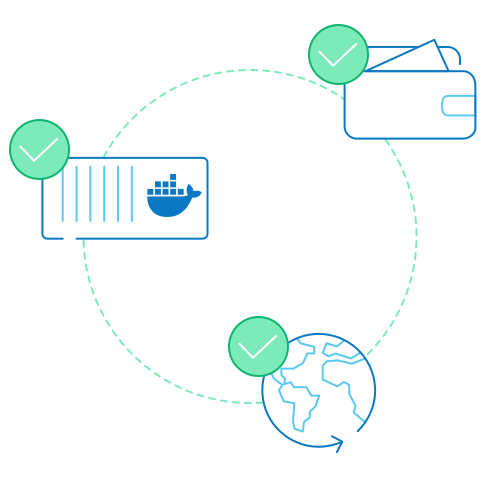
Running Dokploy VPS gives you full data ownership on your own server, with predictable pricing that doesn’t punish you for scaling.
- Built for always-on Docker workloads: High-core VPS plans and fast SSD/NVMe storage handle containers, databases, and background jobs reliably.
- Flat, transparent pricing: Unlimited traffic and simple monthly costs help Dokploy stay cheaper than most managed PaaS options as you grow.
- Global regions for low latency: Multiple data center locations let you host Dokploy close to your users while keeping the dashboard responsive.
Together, Dokploy hosting at Contabo gives you a self-hosted deployment platform with the control of your own infrastructure and the economics of value-focused cloud hosting.

Dokploy Pricing: Open-Source and Free Forever
Dokploy’s core is open source under the Apache License 2.0, with an open‑core model where some future premium features use the Dokploy Source Available License. The self‑hosted Dokploy you install on a Contabo VPS is free; if you ever choose the separate Dokploy Cloud managed offering (Dokploy license run by the Dokploy team, billed per server), you still pay Contabo only for your VPS via normal Contabo pricing .
What Can You Integrate with Dokploy?

GitHub

AWS S3

Cloudflare Tunnels

PostgreSQL

MySQL

MongoDB

MariaDB

LibSQL

Redis containers

Grafana

Prometheus

Uptime Kuma

Netdata
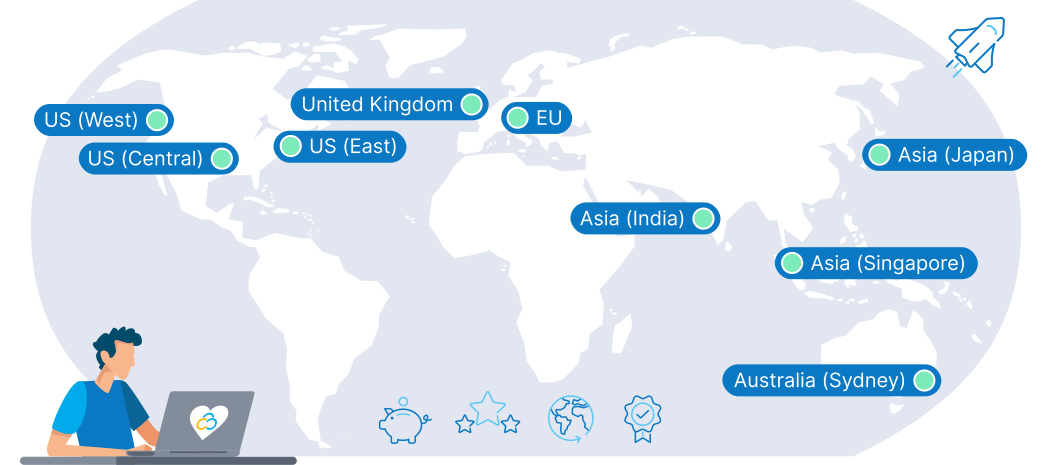
9 Regions, 11 Locations, Global Availability
Trusted by Thousands Worldwide
Dokploy FAQs
What Is Dokploy and How Does It Work?
Is Dokploy Free to Use?
What Are the System Requirements for Dokploy?
Is Dokploy Secure for Production Workloads?
Why Deploy Dokploy on a Contabo VPS?
What Can You Deploy with Dokploy?
How Does Dokploy Compare to Coolify, Caprover, and Dokku?
Can I Use My Own Domain with Dokploy?
Does Contabo Offer Support for Dokploy?
The price displayed is the effective monthly rate for a 12-month subscription including applicable taxes.
Minimum initial contract length: 1 month | Minimum following contract length: Equal to the initial contract length | Minimum cancellation notice: None (pre-paid) or 4 weeks (post-paid).
Incoming Traffic: Unlimited and unmetered. No extra charges apply. | Outgoing Traffic: Unlimited - fair usage policy applies based on average server workloads. To maintain fair network performance for all customers, Contabo reserves the right to throttle servers with exceptionally high or disruptive usage patterns.
Applications and Add-Ons: Contabo provides full technical assistance for the Contabo VPS itself - including the network, hardware, and initial setup of any 1-click Add-Ons. Any additional open source software included in the applications is owned by the respective provider - maintenance, upgrading, and troubleshooting are within the end-users responsibility.