
In short: my.contabo.com now opens the new Customer Control Panel (CCP). You log in with your current details, and if you use your old panel password, you may be asked to set a new one once. Support requests go through the CCP, and support emails from old-panel Contacts get an automated reply. Dedicated Server features remain in the old panel but can now be accessed using the corresponding menu item in the new CCP.
The move to the new Customer Control Panel is complete (apart from Dedicated Servers). The Customer Control Panel (CCP) is the web interface where you manage your servers, invoices, users and support requests. This post covers what’s different and what you need to do.
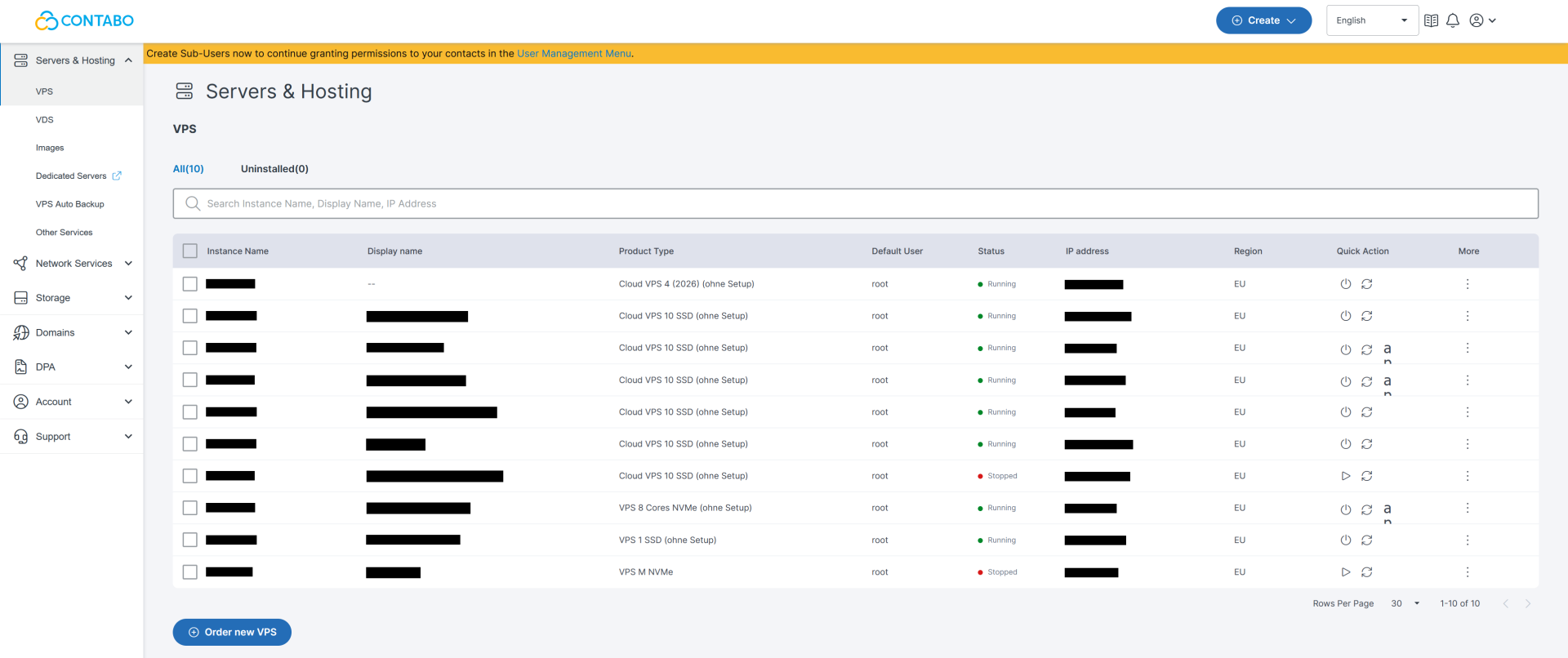
What has changed?
my.contabo.com now takes you straight to the login page of the new CCP, the panel that was previously available at new.contabo.com. Your my.contabo.com bookmark keeps working.
Two other changes come with it. Support requests now run entirely through the CCP, and Dedicated Server features that are still in the old panel and can be accessed easily using the corresponding menu item in the new CCP (they will be moved separately in early 2027).
How do I log in?
You log in at my.contabo.com with either your old panel credentials or the credentials you already use for the new CCP.
If you sign in with your old panel password, you may be asked to set a new one as part of an upgrade to our login security. It’s a one-time step. After that, you land on your CCP dashboard and can carry on as usual.
If you use a password manager, update the saved entry after you set the new password. If you can’t log in at all, use our account recovery process.
Ordering on our website isn’t affected. You can log in at contabo.com with either set of credentials, so you won’t be asked to change your password in the middle of checkout.
I’ve only ever used the old panel. What should I do?
Log in at my.contabo.com with the email address and password you’ve always used, then set a new password when asked. Your services and invoices are already in the new CCP.
The layout is different from the old panel. Below are the places you’ll probably look for first, using the menu bar on the left:
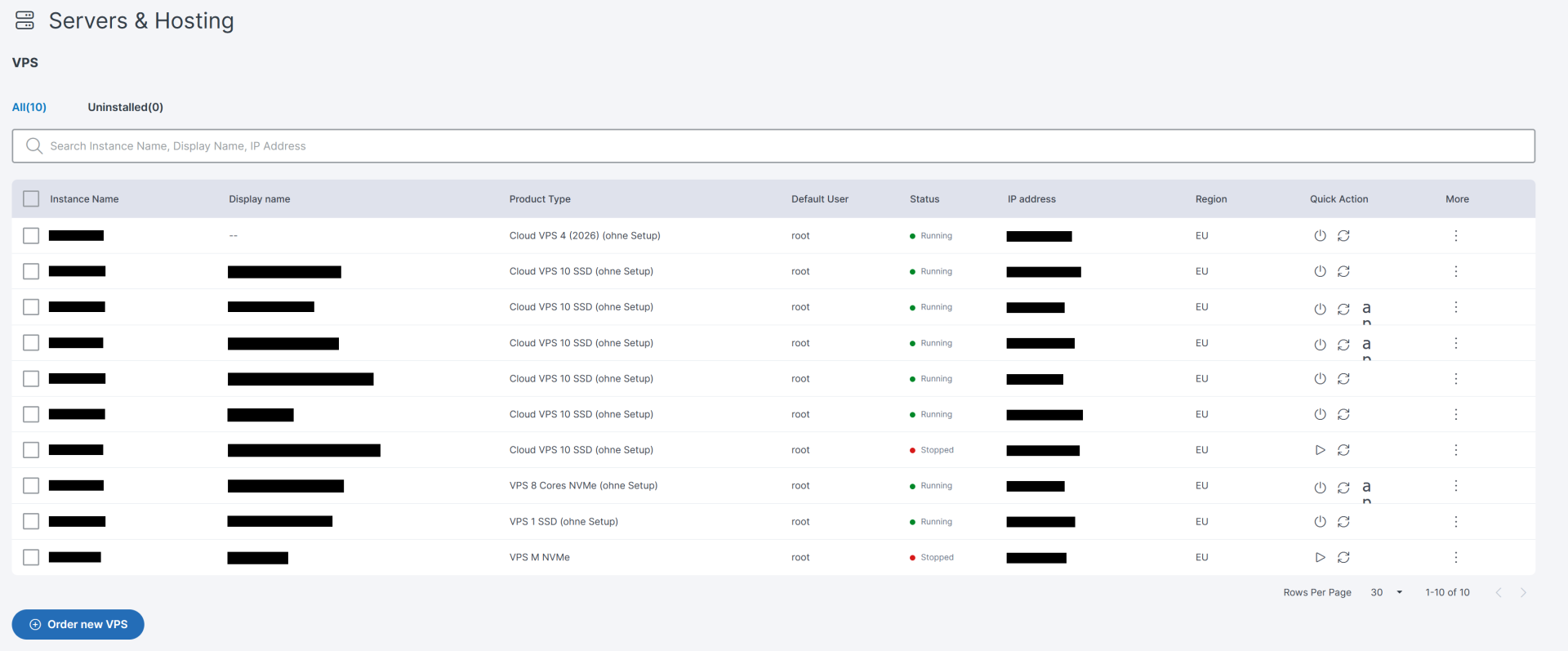
Your servers: Servers & Hosting > [Product Category]
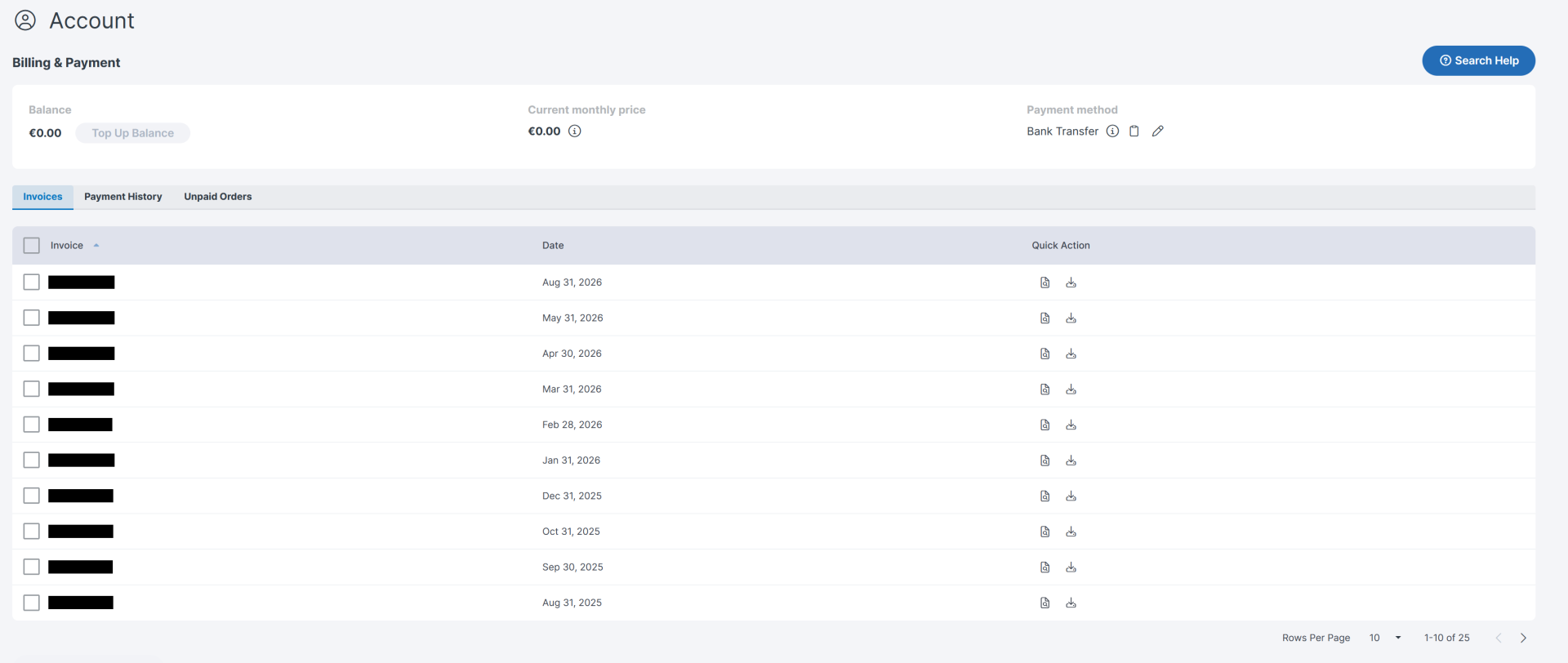
Invoices and payments: Account > Billing & Payment
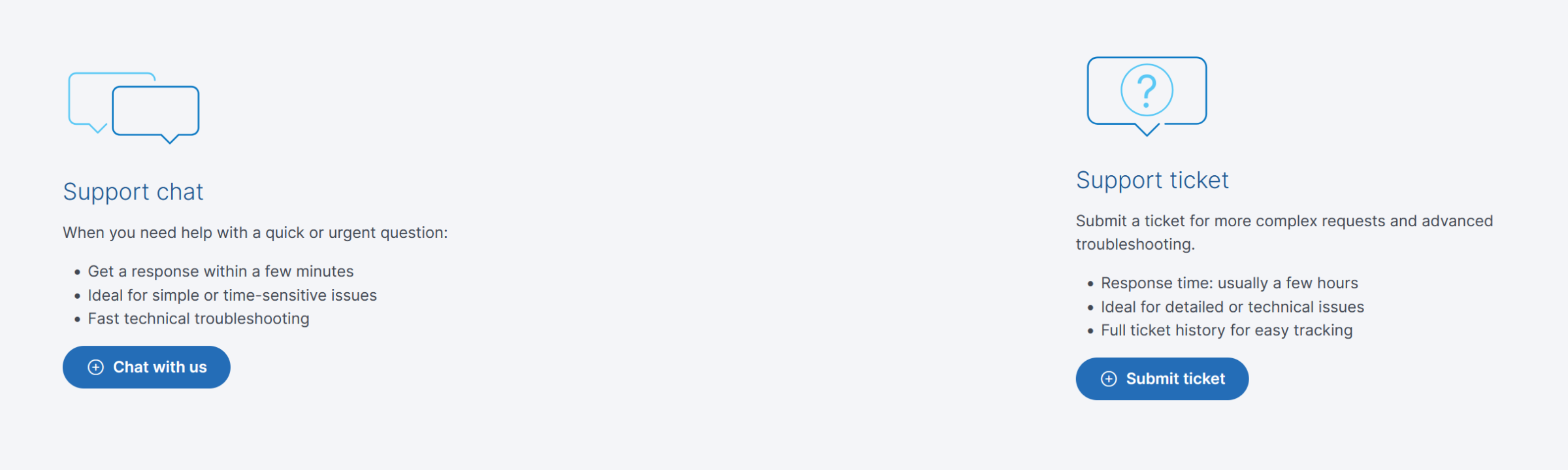
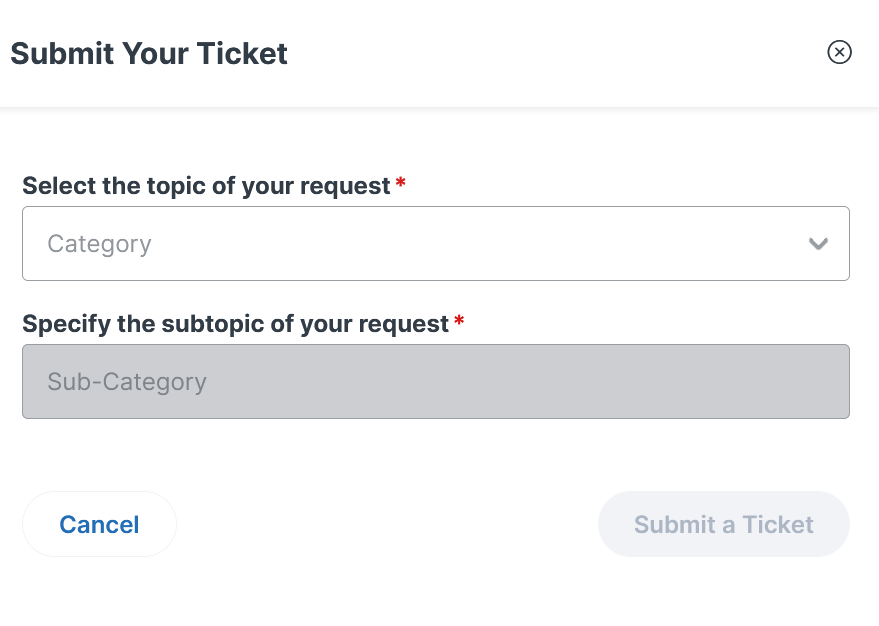
Support tickets and chat: Support > Contact Us
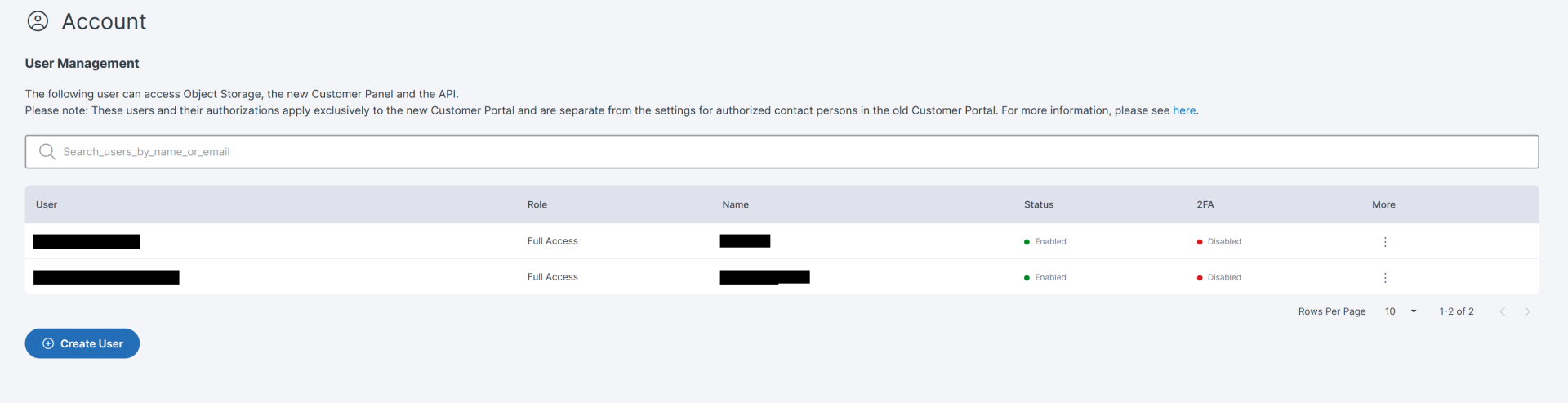
Team access: Account > User Management
How does support work in the new CCP?
Support runs through the Support section of the Customer Control Panel. Our AI assistant gives you first guidance and troubleshooting straight away. If that doesn’t solve it, your request is passed on to our support team, and you can also open a ticket yourself at any time.
Our support email address is no longer used for support requests. If you write to it, you’ll get an automated reply asking you to submit your request in the CCP.
We made this change because email requests often lack the details our team needs to start work. A request that starts in the CCP is linked to your account and arrives with the details our team needs. Your full ticket history stays in the CCP too. It does mean logging in first, but this ensures you get a faster solution.
What happened to Contacts in the old panel?
Contacts in the old panel weren’t moved to the new CCP. Contacts could open and confirm support tickets by email, but they never had a panel login, and their support emails now receive an automated reply.
Following the move, there will be no way to edit or delete Contacts, and Support will no longer respond to their emails.
If someone on your team relied on being a Contact, the replacement is a Sub-User account.
How do I set up Sub-Users?
You set up Sub-Users in the new CCP under Account > User Management > Create User. A Sub-User is a separate login for a team member, with permissions that you, as the Main User, assign. Sub-Users can open support tickets in the new CCP themselves.
You choose what each Sub-User can access, from full access to specific areas such as billing or Object Storage.
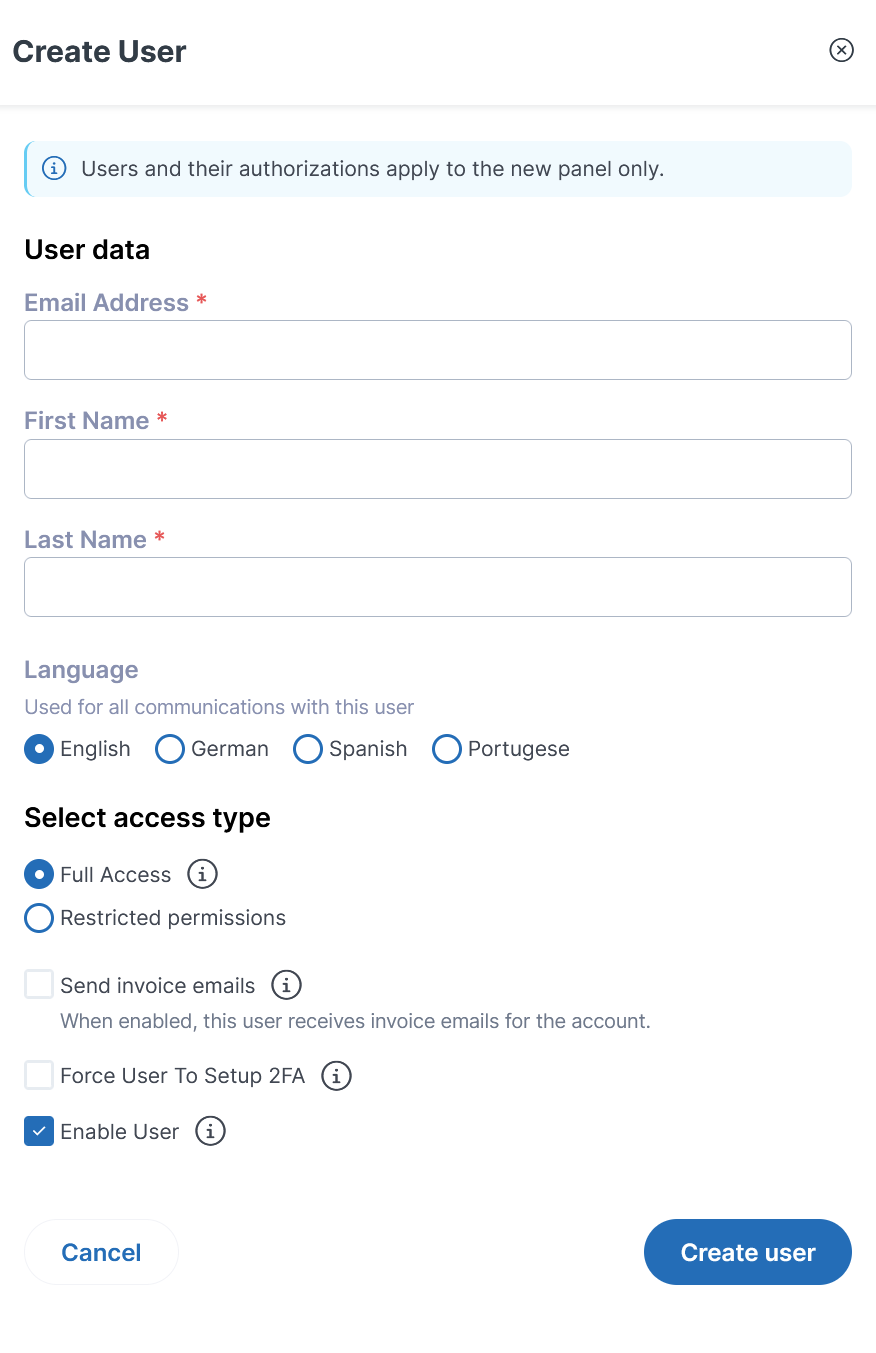
Our help article walks through each step: How can I add more users under my account?
Existing Sub-Users weren’t affected by the switch and keep logging in as before.
Where are my Dedicated Server features?
Dedicated Server features that were still in the old panel are now in a separate area, which you open from the corresponding menu item in the new CCP. The area only contains the features still needed for Dedicated Servers.
You can’t open the Dedicated Server area directly, so bookmarks to pages in the old panel won’t take you there. It’s one extra click compared to a bookmark.
Invoices and payments for Dedicated Servers stay in the new CCP, where they’ve been handled for over a year.
What else is new in the CCP?
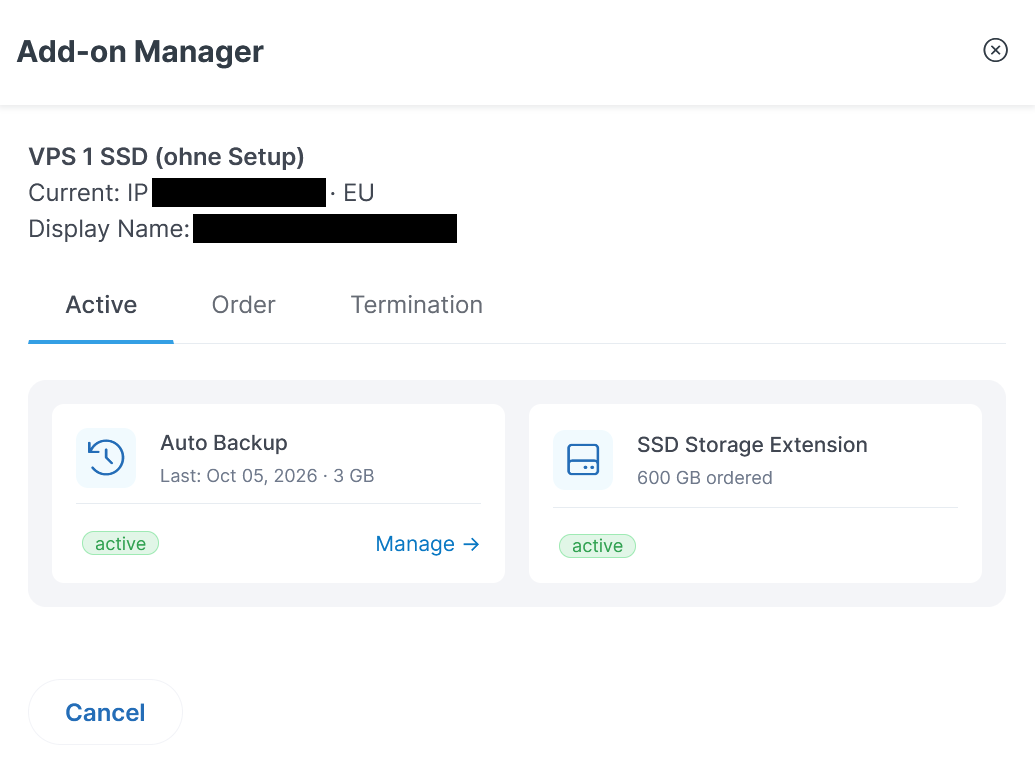
The Add-On Manager is fully live in the new CCP. In the Servers and Hosting section, open the three-dot menu in the More column next to a product. There you can see its active Add-Ons and order new ones. You can also terminate most Add-Ons there, without switching panels.
We covered multi-user support and role-based access in Important Updates to the New Customer Control Panel.
FAQ
Has the address of the Customer Control Panel changed?
No. my.contabo.com now opens the new Customer Control Panel directly. Your bookmark to my.contabo.com still points to the right place.
Will I have to set a new password?
Possibly. If you log in with your old panel password, you may be asked to set a new one once. If you already log in to the new CCP with its own credentials, nothing changes.
Can I still contact support by email?
No. Support requests go through the Support section of the CCP, using the chat with our AI assistant or a ticket. Emails to the support address receive an automated reply asking you to submit your request in the CCP.
What should I do if I can’t log in?
Please submit an account recovery form, and we’ll get your access sorted out as soon as possible.
Were Contacts converted to Sub-Users automatically?
No. Contacts from the old panel weren’t transferred to the new CCP. As the Main User, you create Sub-Users yourself under Account > User Management and assign their permissions.
Are existing Sub-Users affected?
No. Sub-Users in the new CCP keep logging in as before and can open support tickets themselves.
Where do I manage my Dedicated Servers now?
Dedicated Servers are managed in a separate area that you open from the corresponding menu item in the new CCP. Invoices and payments for Dedicated Servers stay in the new CCP.