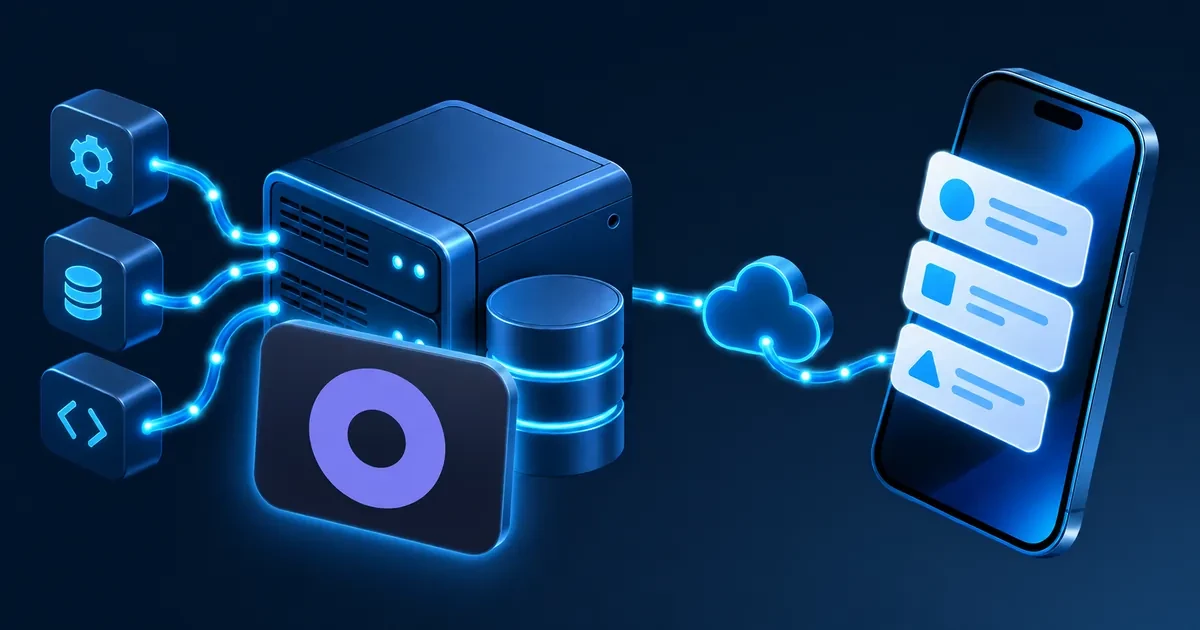
Open-Kritt is an open-source (AGPL-3.0), Docker Compose-based platform that deploys AI agents to actively discover vulnerabilities in your code. It requires a minimum of 8 GB RAM, with 16 GB recommended. Everything runs on your own infrastructure, keeping findings and proprietary code off third-party servers.
What Open-Kritt Does: AI-Driven Vulnerability Discovery
- Active agent reasoning, not static rules. AI agents run inside disposable containers, install dependencies, execute code, and build proofs of concept — going beyond pattern-matching to reason about actual code paths.
- Parallel, structured workflows. Scans are broken into focused prompt steps chained into reusable research playbooks. Agents run these in parallel, with each depth level feeding output into the next.
- Multiple harness options. Agents operate through Codex or Claude Code as the underlying harness, with support for OpenAI, Anthropic, and OpenRouter API keys.
- Validated, ranked findings. Post-scripts validate candidate issues, build proofs of concept, and produce written reports. A severity ranker and automatic deduplication turn raw output into a prioritised findings list.
- Export-ready output. Findings, structured data, and reports are packaged into a single archive for storage, sharing, or CI pipeline handoff.
- AGPL-3.0 licence. Self-hosting keeps all code and findings on infrastructure you control. Distributing a modified version as a network service still triggers AGPL obligations — treat the licence as a starting point for compliance review, not a substitute for one.
Prerequisites
- A suitable Contabo VPS or VDS with at least 8 GB RAM, 4 vCPU cores, and 50 GB NVMe storage (e.g. our VPS Core 6); 16 GB RAM is recommended for concurrent scans where our Cloud VPS Core 8 is the best fit.
- A supported Linux distribution: Ubuntu 24.04, Debian 12, or Rocky Linux 9 on x86_64 or ARM64.
- Docker Engine with the Docker Compose plugin (or Docker Desktop for local testing).
- Git, for cloning the repository.
- Node.js 20 or newer, required only when using the repository-local CLI; the manual Docker path does not need it.
- An LLM API key or model-access credential: one of
OPENAI_API_KEY,CODEX_API_KEY,ANTHROPIC_API_KEY, orOPENROUTER_API_KEY. OpenRouter can proxy some open-weight models, but there is no built-in local Ollama endpoint. - A
GITHUB_TOKEN(optional) — only needed when scanning private GitHub repositories or private dependencies.
Step 1: Clone and Configure Open-Kritt
Clone the Open-Kritt repository and run the interactive setup to create and populate .env with your model credentials:
# Clone the repository
git clone https://github.com/Kritt-ai/open-kritt && cd open-kritt

# Launch the interactive CLI and select Setup from the menu
# This creates .env from .env.example and walks through credential configuration
./kritt
For a manual setup, copy and secure the example environment file, then set your provider key:
cp .env.example .env
chmod 600 .env

# Set one key inside .env, for example:
# ANTHROPIC_API_KEY=your-key-here

# Create the credential directory expected by the Codex harness
mkdir -p .data/codex
chmod 700 .data/codex
Step 2: Start the Agent Stack
Start all five services with the CLI wrapper, which runs docker compose up --build and streams logs from every service:
./kritt start
Once startup completes, verify the backend is healthy:
curl http://127.0.0.1:3002/api/health
Both the frontend (http://localhost:5173) and backend bind to 127.0.0.1 by default. Open-Kritt has no built-in application-level authentication — access the interface via SSH tunnel or a reverse proxy with its own auth layer before opening any firewall ports.
Step 3: Submit a Repository for Scanning
Via the web UI: open Scans → New scan, select a workflow, target repository, model/harness, and severity ranker, then queue the run.
Via the API (for automation or headless deployments):
curl --fail-with-body \
  -X POST http://127.0.0.1:3002/api/scans \
  -H 'Content-Type: application/json' \
  --data-binary @- <<'JSON'
{
  "workflowId": 1,
  "postScriptId": 1,
  "repo_kind": "remote",
  "repo_full": "your-org/your-repo",
  "commit_sha": "HEAD",
  "repo_scope": "authentication and untrusted input paths",
  "model": "sonnet",
  "model_provider": "claude",
  "harness": "claude-code",
  "thinking_effort": "medium",
  "severity_ranker": "Rank exploitable, remotely reachable findings first.",
  "extra": {}
}
JSON
For local repositories, set "repo_kind": "local" and place the source in ./local_repos/<folder-name> on the host before submitting.
Step 4: Review Findings and Triage
- Open the scan from the Overview dashboard or Scans list. A status badge tracks progress through
pending → running → post_processing → completed. - Review the ranked findings list. Rows are sorted by the severity ranker configured on the scan, each showing a title, affected file location, and post-script chips.
- Drill into a finding to see the full vulnerability view: severity rating,
file_pathand line number, the agent’s reasoning about the attack path, a malicious input example, and, when a post-script ran, a full written report or proof of concept. - Triage collaboratively. Mark findings as interesting or not and leave comments for teammates working the same list.
- Export the scan. Packaging produces a single archive of canonical findings, structured data, and reports, suitable for storage or handoff to a CI pipeline.
Integrate Open-Kritt with Your CI/CD Pipeline
The HTTP API makes it straightforward to trigger a scan from a GitHub Actions workflow on pull request or on a nightly schedule. The example below assumes the Open-Kritt stack is already running on a reachable host:
name: open-kritt-scan
on:
  workflow_dispatch:
jobs:
  trigger-scan:
    runs-on: ubuntu-latest
    steps:
      - name: Queue Open-Kritt scan
        run: |
          curl --fail-with-body \
            -X POST https://your-vps-host:3002/api/scans \
            -H 'Content-Type: application/json' \
            --data-binary @- <<'JSON'
          {
            "workflowId": 1,
            "postScriptId": 1,
            "repo_kind": "remote",
            "repo_full": "${{ github.repository }}",
            "commit_sha": "${{ github.sha }}",
            "repo_scope": "full repository",
            "model": "sonnet",
            "model_provider": "claude",
            "harness": "claude-code",
            "severity_ranker": "Rank exploitable, remotely reachable findings first.",
            "extra": {}
          }
          JSON
Because the backend has no built-in authentication, place this endpoint behind a VPN, SSH tunnel, or authenticating reverse proxy before exposing it to a CI runner over the public internet.
FAQ: Open-Kritt Self-Hosted
What is Open-Kritt?
Open-Kritt is an open-source, self-hosted platform (AGPL-3.0) that orchestrates AI agents to research and validate vulnerabilities in a codebase. It breaks a security review into focused parallel tasks, runs them inside disposable containers using a harness such as Codex or Claude Code, and consolidates the results into ranked, deduplicated findings. It runs entirely on Docker Compose.
How much RAM does Open-Kritt need?
The project does not publish an official minimum, but five long-running services alongside Docker image builds and parallel agent job containers make 8 GB a realistic floor for light use. Running multiple concurrent scans or targeting large repositories benefits from 16 GB or more, so agent containers are not competing with the core stack for memory.
Can Open-Kritt use a local LLM?
Open-Kritt’s documented model-access options route through Codex, OpenAI, Anthropic, or OpenRouter. There is no built-in Ollama or direct local-inference integration. OpenRouter can proxy certain open-weight models depending on account configuration, but even a fully self-hosted orchestration deployment still relies on an external provider for model inference.
Is Open-Kritt free to use?
The platform itself is free to self-host under AGPL-3.0. Running scans carries an indirect cost, since each agent job consumes API credits or subscription usage from the configured model provider. Kritt also offers a separate managed scanning service for teams that prefer not to operate the infrastructure themselves.