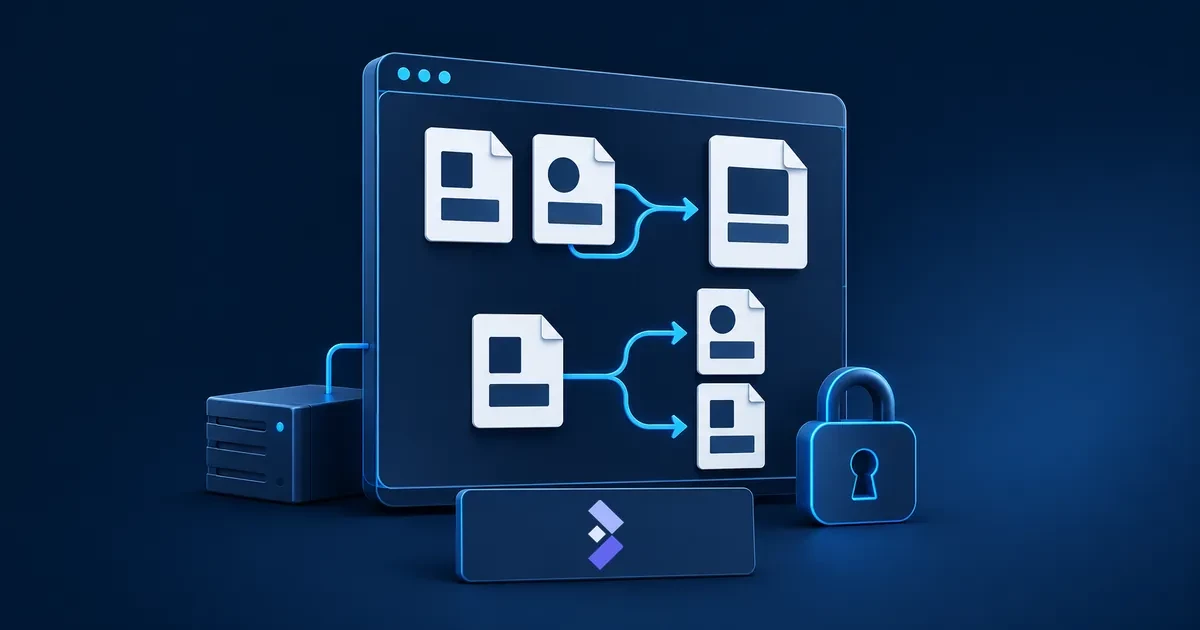
Start by auditing what you’re actually paying for, then replace one tool at a time — not everything at once. The order that works: set up your server and base infrastructure first (Docker, a reverse proxy, remote access), then migrate low-risk tools before touching anything business-critical, and treat backups as non-negotiable from day one rather than an afterthought.
Phase 1: Choose Your Hardware and Base Setup
The first real decision is where everything runs. A local mini-PC (an Intel NUC or similar) has zero monthly fees and keeps everything on your own network, but means you’re managing power, networking, and physical reliability yourself. A VPS from a provider like Hetzner, DigitalOcean, or Contabo gives you high uptime and a public static IP out of the box, typically starting in the $5–10/month range for a stack this size — the more common choice once more than one person depends on these tools being reliably available.
Whichever you choose, don’t install applications directly onto the operating system. Run everything through Docker and Docker Compose instead — it isolates each application, and makes backups, updates, and troubleshooting dramatically simpler than a bare-metal install. In front of that, set up a reverse proxy — Nginx Proxy Manager or Traefik both work well — to handle TLS certificates automatically and map clean subdomains to each internal service, rather than juggling raw IP addresses and ports. If you’re hosting from home without a static public IP, a secure tunnel or mesh VPN (Cloudflare Tunnels or Tailscale) lets you expose services safely without opening ports on your router directly.
Phase 2: Replace Your Tools, One Category at a Time
Migrate in order of risk, not alphabetically: a password manager or file-storage swap is forgiving if something goes wrong in week one; your CRM or accounting system is not. Pick one non-critical tool first to learn the process end-to-end before moving anything business-critical.
| Replaces | Self-Hosted Alternative | Notes |
|---|---|---|
| Password manager (1Password, LastPass) | Vaultwarden | Rust-based, fully compatible with official Bitwarden apps; ultra-low resource use. You own backups and disaster recovery. |
| File storage (Google Drive, Dropbox, M365) | Nextcloud | Also covers calendars, contacts, and document editing via OnlyOffice. The most complete single replacement, and the most resource-hungry. |
| CRM (HubSpot, Pipedrive) | EspoCRM | Full contact, deal, and pipeline management without per-seat fees. |
| Project management (Asana, Trello, Monday) | Plane | Modern, actively developed; a lighter alternative is Focalboard if you want something simpler. |
| Team chat (Slack, Microsoft Teams) | Mattermost | High security and full data ownership; genuinely overkill for a solo founder or a 2-person team. |
| Customer support / helpdesk (Zendesk) | Chatwoot | Multi-channel inbox (email, chat, social) without per-agent SaaS pricing. |
| Workflow automation (Zapier) | n8n | Visual workflow builder connecting your self-hosted tools and external APIs. |
| Document management (SharePoint, basic DMS) | Paperless-ngx | OCR’d document archive with full-text search — strong for receipts, contracts, and compliance paperwork. |
This is a starting shortlist, not an exhaustive one — once the core stack is running, most teams add or swap individual tools as needs become clearer.
Phase 3: Secure and Back Up Everything
Treat this phase as part of the migration, not a step you’ll get to later. Disable public account registration on anything that defaults to it (Vaultwarden and Nextcloud both do) once you’ve created your own accounts, and put real authentication — not just a login form — in front of anything sensitive. For backups specifically: keep at least one copy on the same server for quick recovery and one copy somewhere else entirely — a NAS, an external disk, or a cheap object storage bucket — so a single server failure can’t take out both your live data and your only backup at once. Periodically test actually restoring from a backup, not just running the backup job; a backup you’ve never restored is a guess, not a safety net.
Where Contabo Fits
Contabo’s VPS lines cover this exact use case at the budget end of the market Hetzner and DigitalOcean are typically recommended for — Core VPS plans comfortably run a Docker Compose stack with Nextcloud, Vaultwarden, and a handful of lighter services together on a single instance. Contabo also supports one-click installs for several of the tools in this roadmap directly (Nextcloud, n8n, and WireGuard), which skips the manual Docker Compose setup Phase 1 describes if you’d rather start from a pre-built image. For teams specifically self-hosting a password manager, see our dedicated guide to self-hosting Bitwarden and Vaultwarden on a VPS, which covers the setup in more depth than this roadmap’s overview.
FAQ: Getting Started with Self-Hosting
I want to stop paying monthly SaaS fees and self-host my business tools — where do I start?
Start with your infrastructure, not your tools: set up a VPS or local server, install Docker and Docker Compose, and put a reverse proxy in front of it for HTTPS. Then migrate one low-risk tool first — a password manager (Vaultwarden) or file storage (Nextcloud) are both forgiving starting points — before moving anything business-critical like your CRM or accounting system. Budget $5-10/month for the VPS itself if you don’t already have spare hardware at home.
Disclaimer: Product specifications, features, and prices mentioned in this article are subject to change and may vary by region, billing term, and active promotions. Please check each provider’s or brand’s official website for current figures and pricing.