Tutorials · 4 min read Nginx Redirect Guide: 301, 302, Rewrite Rules Configure Nginx redirects with 301, 302, return, rewrite, and try_files rules. Covers HTTP to HTTPS, www to non-www, domain redirects, testing, and avoiding redirect chains or loops.
Tutorials · 8 min read HTTPS Port 443 Explained: Definition, Uses & Setup Guide Learn what HTTPS port 443 is, how it encrypts web traffic with SSL/TLS, and how to enable port 443 on Windows, macOS, Ubuntu, and CentOS
Tutorials · 3 min read How to Change Hostname in Linux: Full Guide Change a Linux hostname permanently or temporarily using hostnamectl, /etc/hostname, nmtui, or the hostname command. Covers hostname types, /etc/hosts updates, naming rules, and Ubuntu-specific steps.
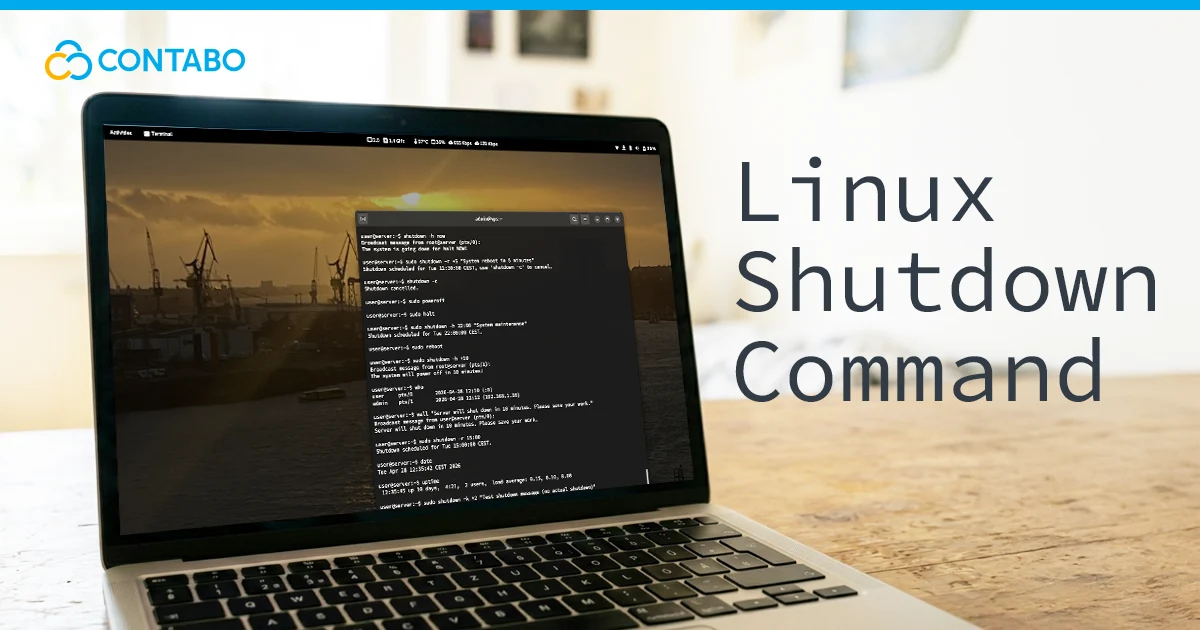
Tutorials · 6 min read Linux Shutdown Command: Complete Guide with Examples Use the Linux shutdown command to power off, reboot, halt, schedule, or cancel shutdowns safely. Includes systemd behavior, warning messages, halt vs. poweroff, and tips to prevent data…
Tutorials · 12 min read How to Fix the 413 Request Entity Too Large Error Fix the 413 error in WordPress, NGINX, and Apache. Adjust PHP upload limits & configure server settings and much more!
Tutorials · 6 min read Hytale Server Requirements by Player Count Plan Hytale server requirements by player count, hardware tier, and workload. Includes CPU, RAM, storage, Java, UDP port setup, bandwidth, performance tuning, backups, and self-hosting vs managed hosting.
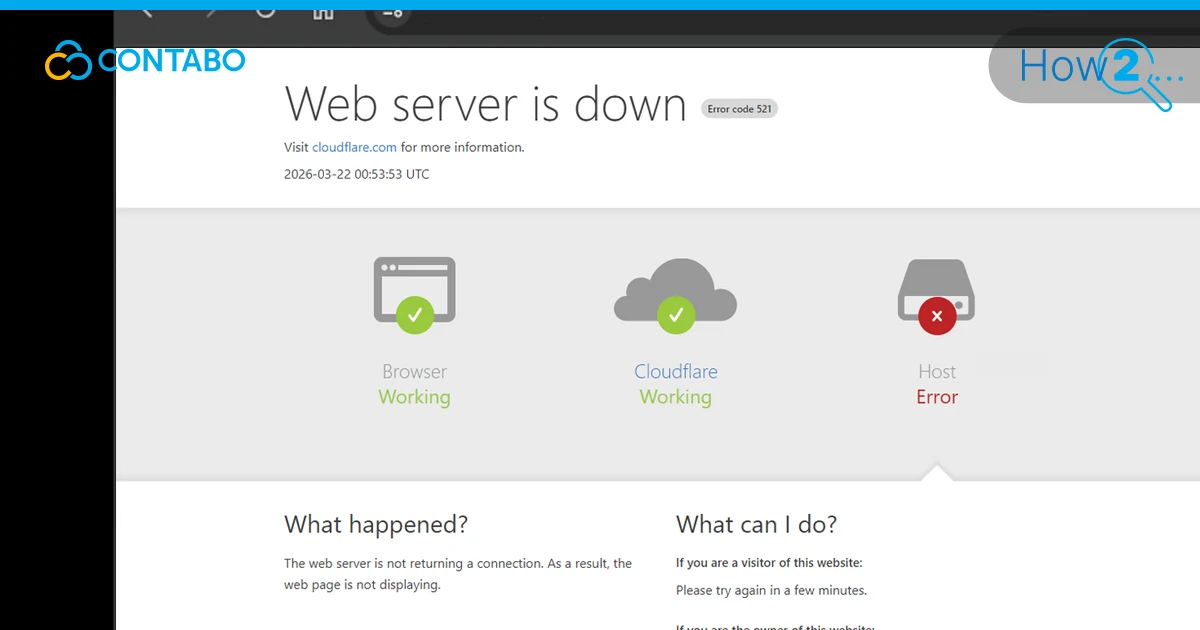
Tutorials · 8 min read How to Fix Cloudflare Error 521: Web Server Is Down Cloudflare Error 521 means your web server process isn't accepting connections — even if the machine itself is online. This guide covers the four most common causes and…
Tutorials · 6 min read Hytale Explained: Sandbox RPG From Hypixel Studios Explore what Hytale is, how it plays, and how it compares to Minecraft. Covers gameplay modes, creator tools, server-side modding, development history, early access, and server setup options.
Tutorials · 9 min read Linux find and locate Commands How to use the Linux find and locate commands to search files by name, type, size, date, and permissions. Step-by-step examples for beginners.
Tutorials · 7 min read Installing Palworld Mods: Server Setup Guide Install Palworld mods on a dedicated server with the correct setup for PAK and LUA formats. Covers safe mod sources, file paths, SFTP and SCP uploads, backups, debugging,…
Tutorials · 12 min read WordPress REST API: Complete Developer Guide How to use the WordPress REST API to fetch, create, update, and delete content. Covers authentication, custom endpoints, best practices, and real-world examples.
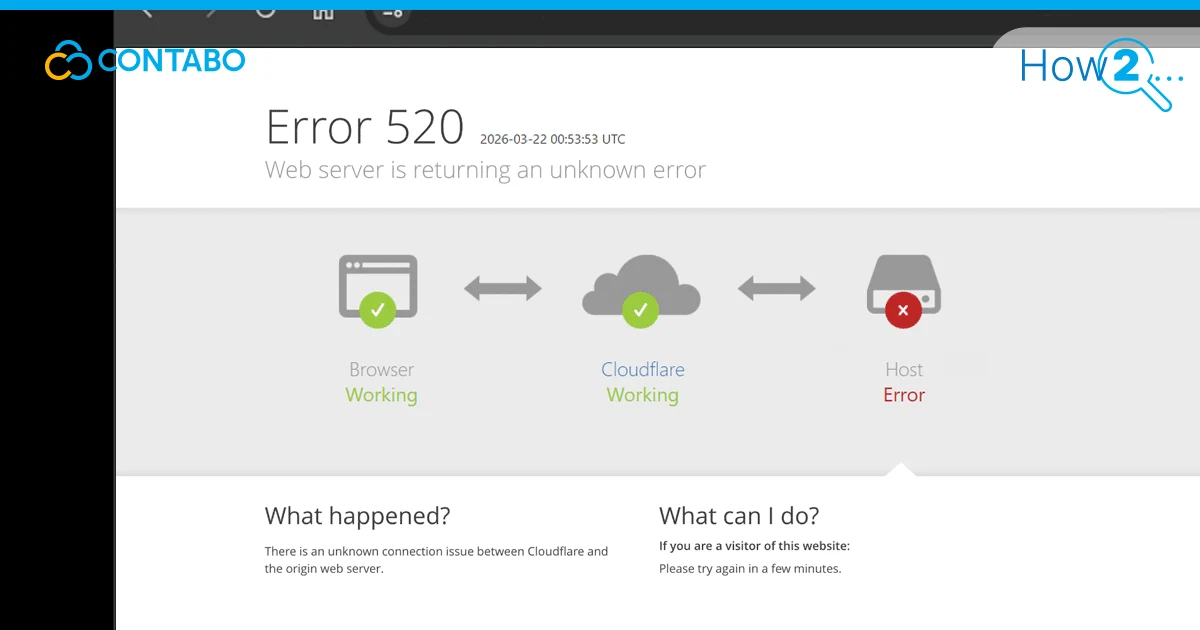
Tutorials · 11 min read Cloudflare Error 520: Causes and How to Fix It Cloudflare Error 520 means your server sent back something it shouldn't — or nothing at all. This guide covers the four most common causes and seven fixes, from…
Tutorials · 10 min read JSON – A Complete Guide to Syntax and Data Format 2026 JSON is the data format the web runs on. This guide covers everything from basic syntax rules and data types to parsing, JSON Schema validation, and REST APIs…
Tutorials · 14 min read Website Speed Statistics 2026: Key Benchmarks and Data Discover the latest website speed statistics for 2026 – benchmarks, load time data, and key insights to help you optimize performance and boost conversions.
Tutorials · 6 min read Delete Directories in Linux: rm and rmdir Explained Delete directories in Linux safely with rm and rmdir. Includes empty and non-empty directories, recursive deletion, force flags, confirmation prompts, wildcards, SSH usage, and when to use each…