Linux chown Command: Change File Ownership
Master the Linux chown command to change file and directory ownership. Covers syntax, recursive use, groups, symlinks, and real-world examples.
Host Your Own AI Agent with OpenClaw - Free 1-Click Setup!
Master the Linux chown command to change file and directory ownership. Covers syntax, recursive use, groups, symlinks, and real-world examples.
Make your Linux server quieter and harder for bots to find by moving SSH away from port 22. Covers port selection, sshd_config edits, firewall rules, service restarts, and connection testing.
Set, list, persist, and remove Linux environment variables without breaking your shell or deployments. Highlights printenv, env, export, .bashrc, /etc/environment, development use cases, and best practices.
How to Set and List Environment Variables in Linux Read More »
Automate Linux tasks with crontab and avoid silent scheduling mistakes. Breaks down cron syntax, field values, special characters, common commands, real examples, logging, email handling, and environment variables.
Crontab Syntax on Linux: A Practical Guide For 2026 Read More »
Work confidently with ZIP files on Linux from the terminal. Covers installing unzip, extracting archives, choosing target folders, handling passwords, scripting extractions, comparing ZIP with tar/gzip, and checking archives safely.
Linux Unzip Command: Extract Zip Files With Examples Read More »
Handle large-scale text changes on Linux without opening a text editor. Covers sed syntax, search-and-replace operations, regex patterns, line editing, batch file processing, log analysis, backreferences, and practical automation examples for everyday server administration.
Master the Linux dig command for DNS lookups. Learn syntax, options, and examples to query DNS records and troubleshoot network issues.
Linux Dig Command Tutorial with Practical Examples Read More »
Learn how to use the Linux grep command to search text patterns in files. Tutorial covers syntax, options, regex, and practical examples.
Linux Grep Command: Complete Tutorial with Examples Read More »
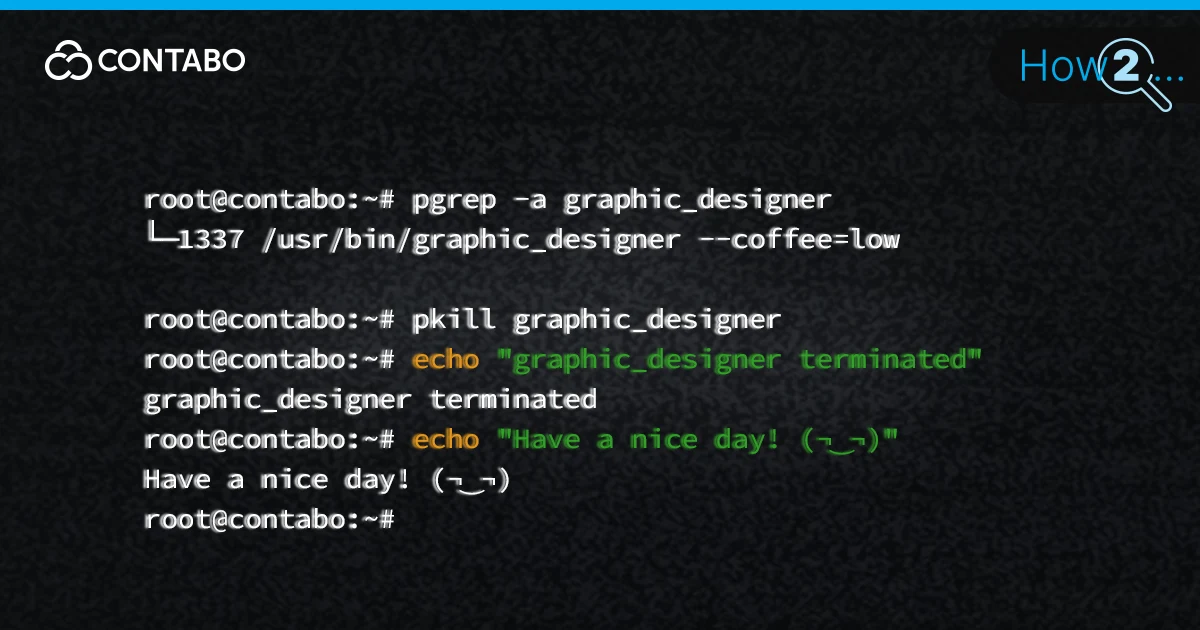
Master Linux process management. Learn to find PIDs and use kill, pkill, and killall commands with SIGTERM or SIGKILL to safely terminate unresponsive tasks.
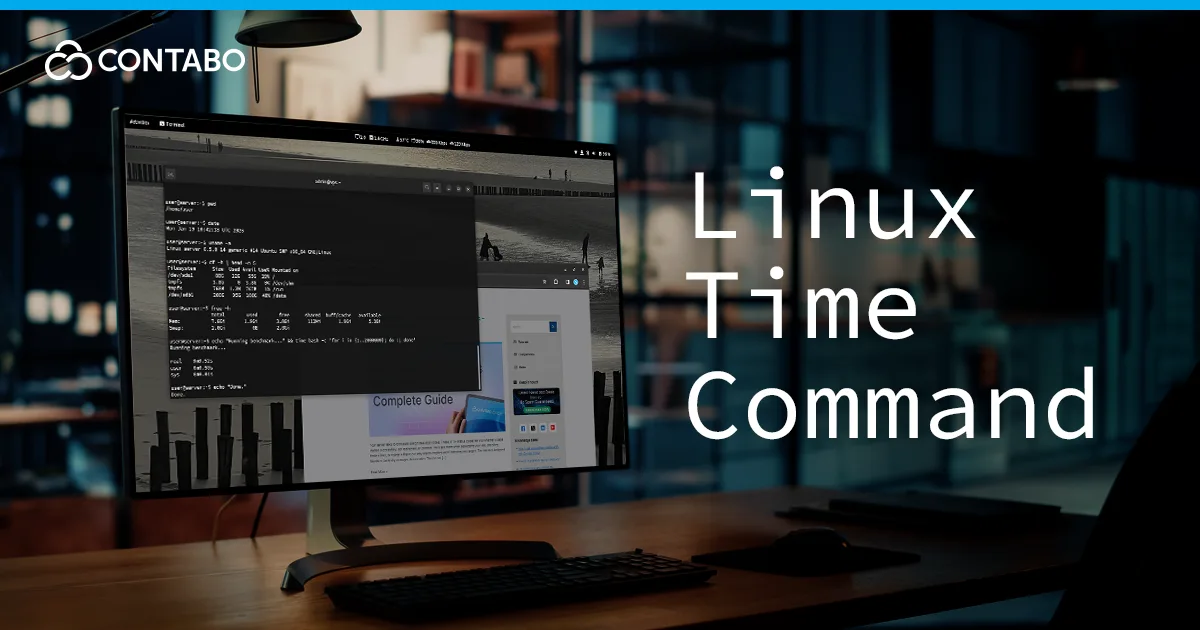
Master the Linux time command to measure process duration and CPU usage. Compare Bash built-ins vs. /usr/bin/time sys metrics.