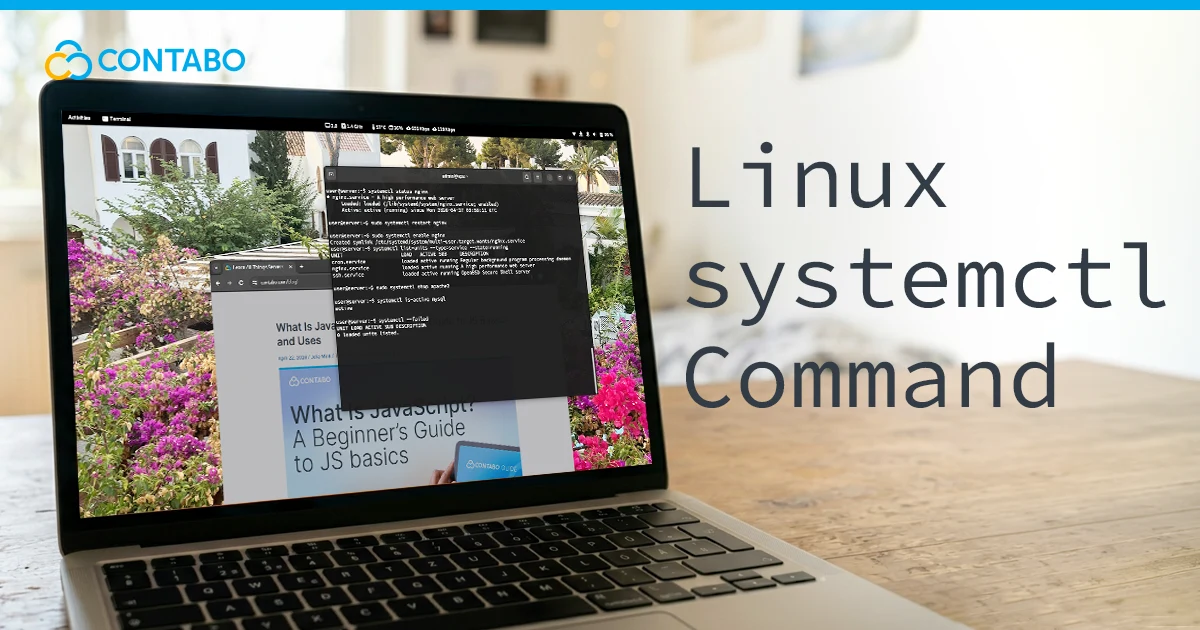
List and Manage Linux Services with systemctl
List and manage Linux services with systemctl, from running and failed services to start, stop, restart, reload, enable, and disable commands. Covers service states, journalctl logs, and best practices.
Host Your Own AI Agent with OpenClaw - Free 1-Click Setup!
List and manage Linux services with systemctl, from running and failed services to start, stop, restart, reload, enable, and disable commands. Covers service states, journalctl logs, and best practices.
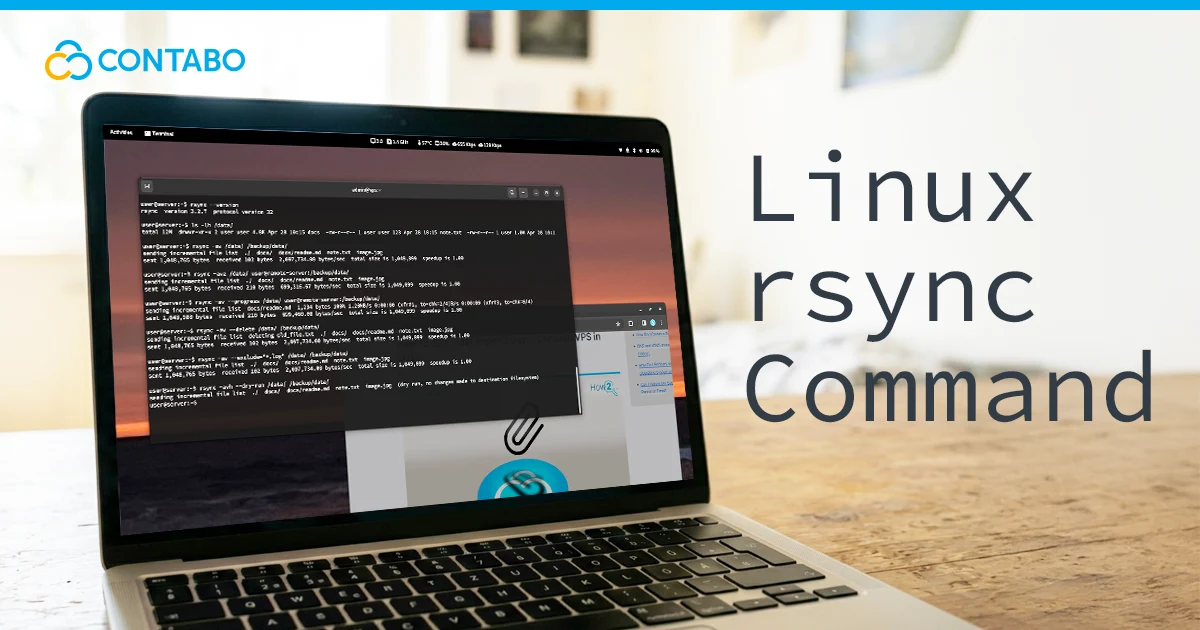
Use the rsync command to sync files locally or over SSH with efficient incremental transfers. Covers archive mode, compression, dry runs, progress output, exclusions, –delete mirroring, and cron backups.
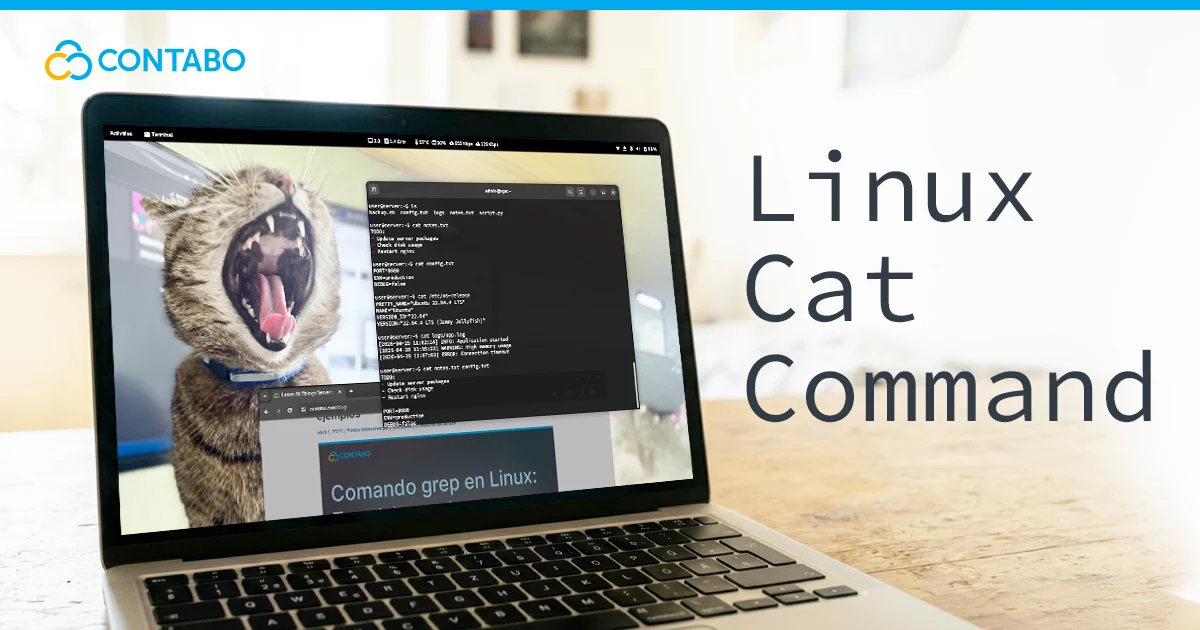
Use the Linux cat command to view, combine, create, and append files from the terminal. Covers syntax, line numbering, blank line handling, hidden characters, pipes, redirects, and common misuse.
Linux cat Command: Syntax, Options, Real Examples Read More »
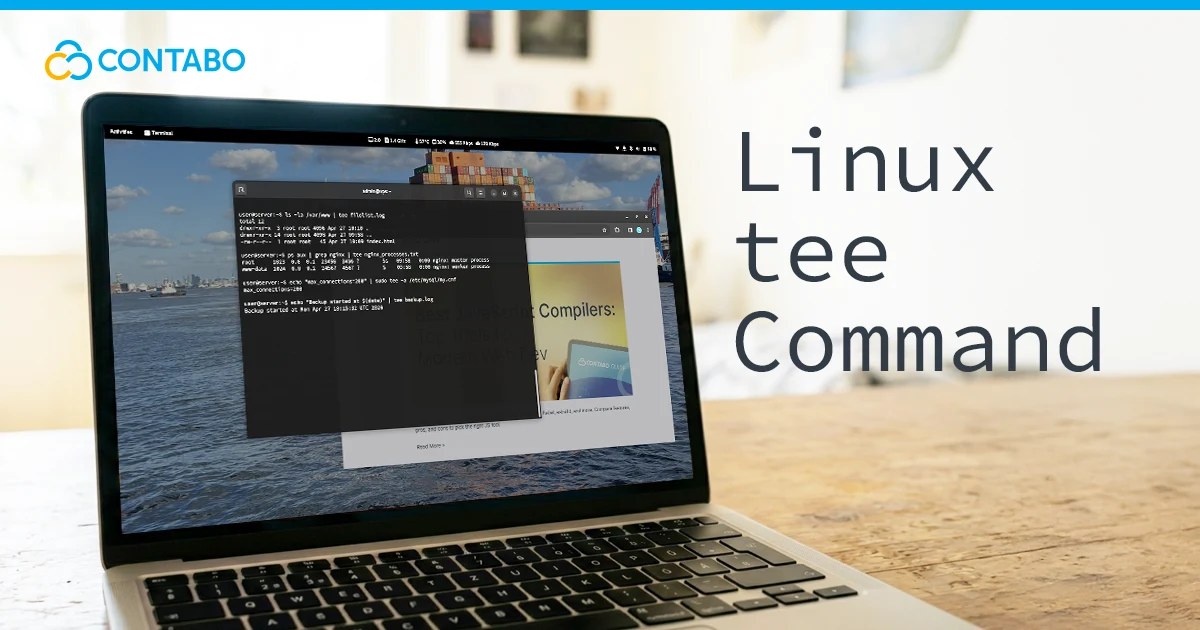
Use the Linux tee command to view command output and save it to files at the same time. Covers syntax, appending, multiple files, sudo usage, pipeline examples, and differences from output redirection.
Change a Linux hostname permanently or temporarily using hostnamectl, /etc/hostname, nmtui, or the hostname command. Covers hostname types, /etc/hosts updates, naming rules, and Ubuntu-specific steps.
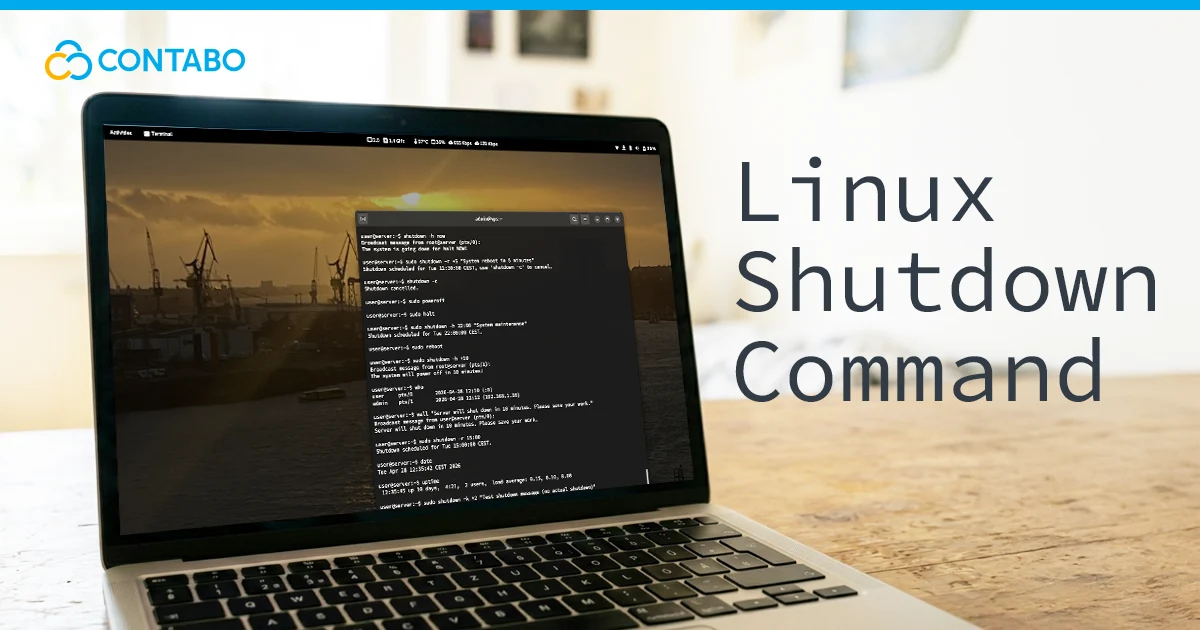
Use the Linux shutdown command to power off, reboot, halt, schedule, or cancel shutdowns safely. Includes systemd behavior, warning messages, halt vs. poweroff, and tips to prevent data loss.
Linux Shutdown Command: Complete Guide with Examples Read More »
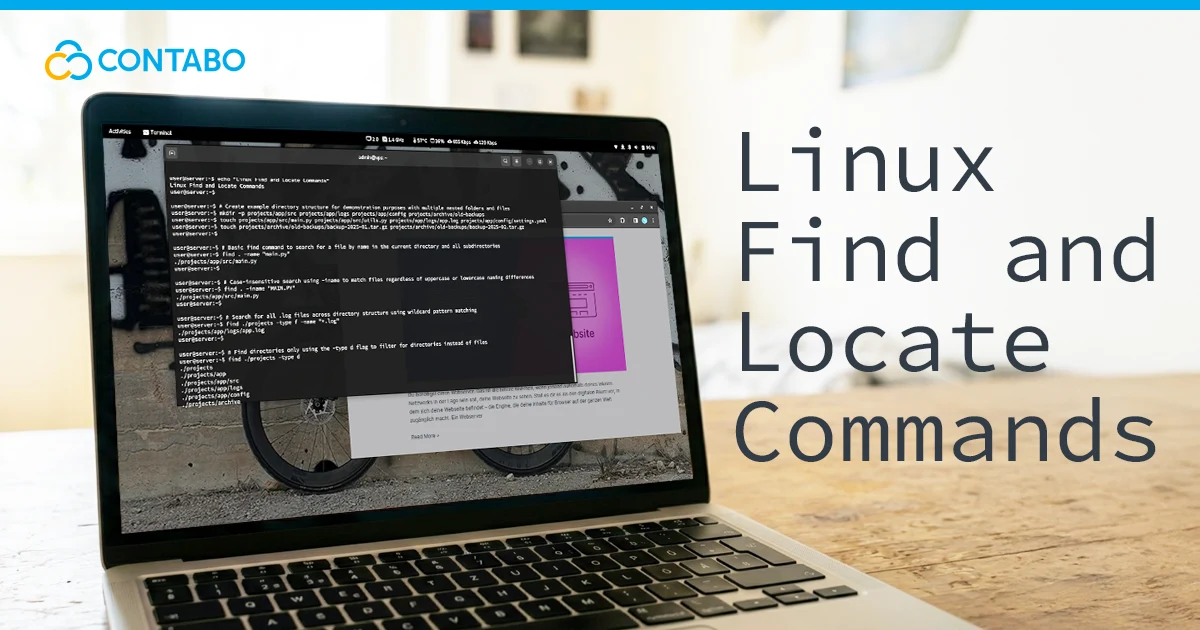
How to use the Linux find and locate commands to search files by name, type, size, date, and permissions. Step-by-step examples for beginners.
Delete directories in Linux safely with rm and rmdir. Includes empty and non-empty directories, recursive deletion, force flags, confirmation prompts, wildcards, SSH usage, and when to use each command.
Delete Directories in Linux: rm and rmdir Explained Read More »
How to list users in Linux using cat, getent, compgen, awk, and who commands. Includes security tips, and user management best practices.
Compare the best Linux distros in 2026 for beginners, developers, sysadmins, security professionals, and enterprises. Covers Ubuntu Server, Mint, Kali, Debian, Fedora, Arch, Manjaro, Rocky Linux, AlmaLinux, and openSUSE.