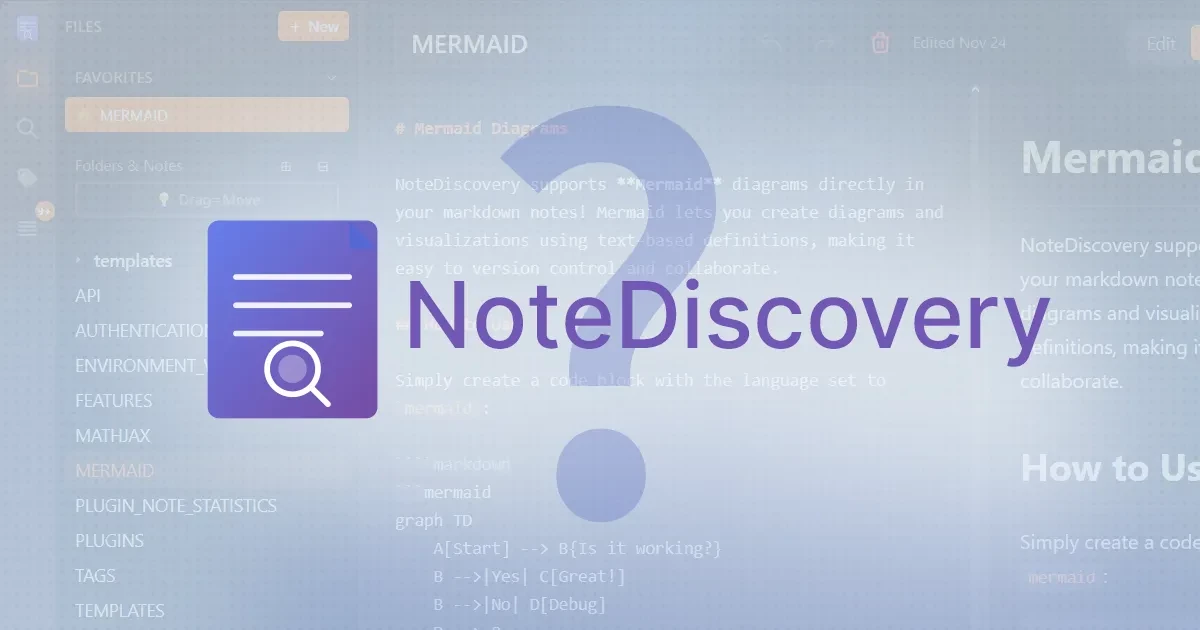
In short. NoteDiscovery is a lightweight, Docker-based, self-hosted knowledge base app inspired by Obsidian. It stores everything as plain Markdown files, ships with a graph view and MCP integration for AI assistants like Claude and Cursor, and is free and MIT-licensed — an obsidian alternative self hosted that runs in a browser from your own server instead of installing on every device.
What NoteDiscovery Does
- Markdown editor with live preview — write in plain Markdown and see the rendered result as you type.
- Graph view and backlinks — visualize how notes connect, in the style Obsidian popularized.
- Plugin system — extend the base app with community or custom plugins.
- LaTeX support — render math equations with MathJax.
- HTML export — export any note as a standalone HTML file, or print it.
- MCP integration — Claude, Cursor, and other MCP-compatible AI tools can search, create, and organize notes directly.
- Docker single-container deployment — the whole app runs from one container, no separate database service to manage.
Why ‘Self-Hosted Obsidian’?
Obsidian itself is desktop-only — there’s no official server mode, and syncing notes across devices means either manual file syncing or paying for Obsidian Sync, which runs roughly $4–8 per month. NoteDiscovery takes a different approach: it runs in a browser, served from your own VPS, so there’s no per-device install and no recurring sync subscription. As an obsidian sync alternative, the tradeoff is architectural rather than financial — you get one shared, browser-accessible vault instead of Obsidian’s local-first, synced-copies model.
Who Is NoteDiscovery For?
- Developers who want a browser-based Markdown vault they can reach from any device without installing anything locally.
- Small teams looking for a lighter, self-hosted alternative to Notion or Confluence for informal shared notes.
- Obsidian users who like the wikilink-and-graph-view model but are tired of paying for Obsidian Sync.
Limitations to Know
NoteDiscovery is a genuinely early-stage project — it was shown on Hacker News as a solo developer’s side project, and the maintainer has been explicit that it doesn’t yet come close to Obsidian’s depth. It doesn’t have Obsidian’s decade-plus community plugin library, feature parity with Obsidian’s most advanced plugins is still a work in progress, and it’s maintained by a single developer rather than a funded team. None of that makes it unusable for a lightweight team vault, but it’s worth setting expectations before migrating a large, plugin-heavy Obsidian setup over.
Why Run NoteDiscovery on Contabo?
Because NoteDiscovery ships as a single Docker container with no separate database service, it needs very little RAM — a Contabo Cloud VPS 4 (8 GB RAM, €4.50/month) is more than enough headroom for a personal or small-team vault. Since it’s browser-based, any device with a browser can reach it, and running it on a Contabo VPS keeps the notes on EU-based infrastructure rather than a US-based sync provider.
FAQ: NoteDiscovery
Is NoteDiscovery free?
Yes. NoteDiscovery is 100% free and MIT-licensed, with no subscription tier and no paid features held back. The only cost is whatever infrastructure you run it on.
Does NoteDiscovery support plugins?
Yes, it has its own plugin system for extending the base app, though — as an early-stage, solo-maintained project — the plugin ecosystem is far smaller than Obsidian’s long-established community library. Expect to build or adapt plugins yourself for anything beyond the core feature set for now.
What is the best self-hosted alternative to Obsidian?
NoteDiscovery is the closest match if what you want is Obsidian’s Markdown-and-graph-view model but running in a browser from your own server. It’s not a like-for-like replacement — it’s newer and has a smaller plugin ecosystem — but for teams that want shared, browser-accessible notes rather than per-device desktop installs, it’s a genuine obsidian alternative self hosted option worth trying.
Can I replace Obsidian Sync with a self-hosted tool?
If your goal is specifically to stop paying for Obsidian Sync while keeping Obsidian itself, self-hosted file-sync tools like Syncthing can replace the syncing layer without changing the app you use. If you’re open to switching apps entirely, NoteDiscovery removes the sync question altogether by being browser-based and server-hosted from the start — there’s nothing to sync because there’s only one copy of the vault, on your server.
Disclaimer: Product specifications, features, and prices mentioned in this article are subject to change and may vary by region, billing term, and active promotions. Please check each provider’s or brand’s official website for current figures, pricing, and local currency rates.