In short. There are three ways to get GPU compute in the cloud: a GPU VPS (one dedicated card at flat monthly cost), a dedicated GPU server (multi-GPU bare-metal for enterprise scale), or a hyperscaler GPU instance (elastic per-hour compute from AWS, GCP, and Azure). For persistent AI inference and image generation, a GPU VPS is the fastest and most cost-efficient starting point. Scale to a Dedicated Server when your workload outgrows a single card.
These three deployment models sit on the same GPU compute spectrum but differ across almost every practical dimension. The right choice depends on how consistently you use the GPU and whether you need physical isolation from other tenants. Tolerance for ecosystem dependencies and the cost of idle hardware are the other two factors that decide it. This comparison maps each model so you can match GPU server hosting to your workload without overshooting.
The Three Ways to Get a GPU in the Cloud
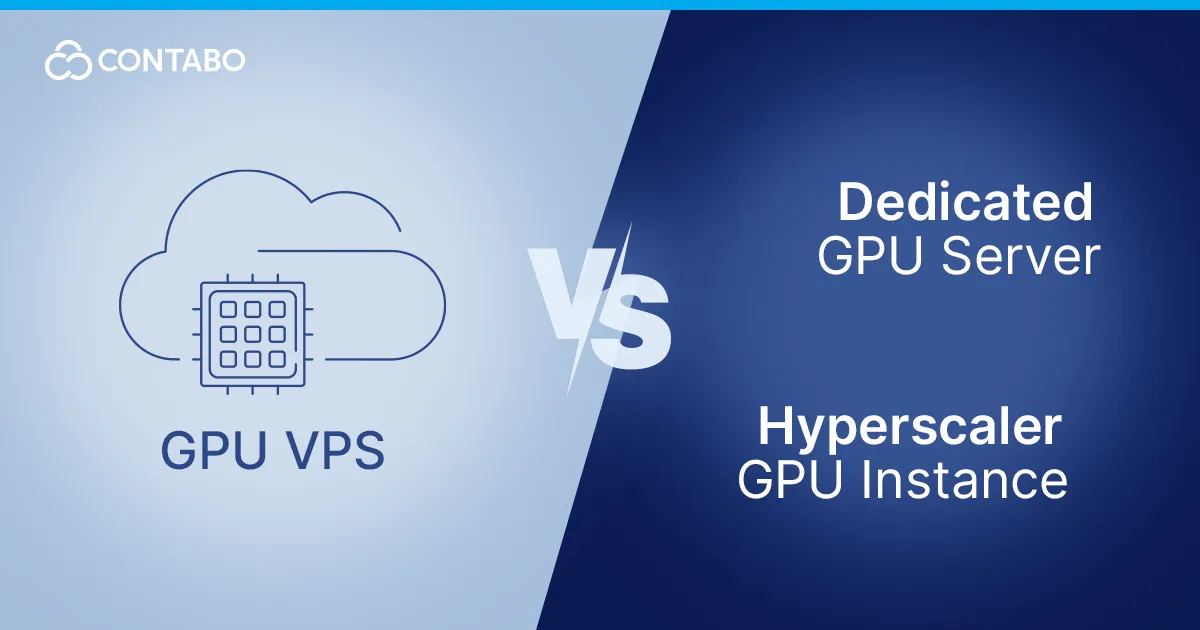
GPU cloud computing broadly organizes itself around three deployment models:
- GPU VPS: a single dedicated GPU card provisioned as a virtual private server. Root access and flat monthly billing, ready in minutes. The starting point for most persistent AI and rendering workloads.
- Dedicated GPU server: a full bare-metal server with multiple GPUs allocated to a single tenant. Full isolation and maximum per-card performance at higher overall cost. The right choice when a single card becomes the bottleneck.
- Hyperscaler GPU instance: on-demand GPU cloud server capacity from AWS, GCP, and Azure, billed by the second or hour. Elastic scaling to zero. Right for bursty or experimental workloads that run infrequently.
GPU VPS
A GPU VPS provisions a single dedicated GPU card as a conventional Linux server with root access. The card is not shared with other tenants. You have the full card and all its VRAM for the duration of your subscription. Pricing is a flat monthly rate independent of inference volume or render count.
The operational experience is identical to any VPS. You SSH in and install your runtime. The server is live within minutes of ordering. There is no managed service to configure and no proprietary SDK to depend on. Lock-in extends only to the billing cycle. Single-card GPU VPS plans now reach up to 96 GB VRAM, covering 70B LLMs at full FP16 precision and the most demanding image generation workflows on a single card.
The trade-off is straightforward: a GPU VPS is a single-GPU deployment. Workloads that require multi-GPU parallelism or NVLink interconnects need a dedicated server. Scale-to-zero is also not available. The flat monthly rate applies regardless of utilization.
For a deeper look at what GPU VPS hosting covers and how to choose the right VRAM tier, see What Is a GPU VPS?.
Dedicated GPU Server
A GPU dedicated server allocates an entire bare-metal machine to a single tenant. The defining characteristic is multi-GPU density: production configurations typically carry four to eight NVIDIA GPUs per server, with NVLink interconnects for fast GPU-to-GPU communication. You get the full server’s CPU, RAM, NVMe storage, and network rather than just a card.
Dedicated GPU hosting suits workloads that have outgrown a single card. Multi-GPU training jobs and large-scale distributed inference clusters serving many concurrent users are the canonical cases. Provisioning takes longer than a GPU VPS: hours to a day rather than minutes. Costs are higher, and the hardware layer requires more operational attention than a VPS-style environment.
For Contabo Dedicated Server infrastructure, see Dedicated Servers.
Hyperscaler GPU Instances (AWS, GCP, Azure)
AWS, GCP, and Azure offer GPU cloud server instances billed by the second or hour. AWS p5 instances run NVIDIA H100s, p4d instances run A100s, GCP’s A3 series runs H100s, and Azure’s NCads H100 v5 series covers H100 configurations. All three support elastic scaling: spin up a training cluster on Monday and pay only for the hours it takes.
The hyperscaler model makes sense when a workload is genuinely elastic. A training job that runs for three days or a batch inference pipeline that fires once a week justify per-hour billing because idle time is free. Teams already inside AWS or GCP who want GPU instance access within their existing IAM and billing framework have an equally strong case for the model.
The economics reverse at persistent utilization. An H100 instance running 24 hours a day at AWS or RunPod totals more per month than a flat-rate dedicated GPU server for equivalent hardware. Data egress is billed per GB and managed storage charges accumulate. Per-request metering for services like SageMaker or Vertex AI adds further. Predicting the full monthly bill in advance is genuinely difficult when multiple services interact.
Side-by-Side Comparison
How the three deployment models compare across the dimensions that drive the decision:
| GPU VPS | Dedicated GPU Server | Hyperscaler GPU Instance | |
|---|---|---|---|
| Cost model | Flat monthly | Flat monthly (higher) | Per-hour / per-second |
| Setup time | Minutes | Hours to a day | Minutes |
| GPUs per deployment | 1 | 4–8+ | 1–8+ (instance-type dependent) |
| VRAM per GPU | Up to 96 GB | Up to 96 GB per card | Up to 80–141 GB (A100/H100/H200) |
| GPU isolation | Dedicated card | Full server | Often shared physical host |
| Scaling | Upgrade plan | Add servers | Elastic auto-scale |
| Vendor lock-in | None | None | Ecosystem (IAM, APIs, billing) |
| Best for | Persistent inference, image gen | Multi-GPU training, enterprise | Elastic / bursty workloads |
A GPU VPS costs less than a dedicated server and gives you more control than a hyperscaler instance, at a flat rate with no idle cost. It occupies a practical middle ground that most persistent single-model workloads never need to leave.
Cost Comparison
The core question is utilization: how many hours per day will the GPU be in use?
GPU rental from on-demand providers bills by the second or hour. The break-even calculation is direct: divide the flat monthly rate by 720 hours. If the result is below the on-demand hourly rate, flat-rate wins at continuous utilization. At the A100 and H100 tiers, hyperscaler rates consistently exceed flat-rate GPU cloud server plans at 20-plus hours of daily use.
At the high-VRAM tier, providers are deploying NVIDIA RTX PRO 6000 Blackwell instances (96 GB GDDR7). GPU cloud computing at this tier from on-demand marketplaces translates to monthly totals at 24/7 utilization that substantially exceed flat-rate dedicated GPU server equivalents.
Dedicated GPU hosting carries the highest flat-rate cost but spreads it across multiple cards. For teams running multi-GPU training at full utilization, the per-card cost of a dedicated GPU server is lower than running the same number of single-card instances in parallel on a hyperscaler.
Hyperscalers add hidden costs beyond the instance rate. Data egress is billed per GB and managed storage charges accumulate separately. Per-request metering for managed ML services like SageMaker or Vertex AI compounds the total further. Comparing on sticker price alone is misleading. Verify current rates at each provider before committing.
Which Should You Choose?
Solo developer or small team. A GPU VPS is the right starting point. It provisions in minutes with root access and handles 70B quantized LLM inference or full Stable Diffusion pipelines on a single card. The flat monthly rate is predictable. Move to a dedicated server only when a single card becomes the bottleneck.
Creative studio (10–50 people). Start with one or more GPU VPS deployments for continuous inference or rendering. Add dedicated GPU server capacity when pipelines genuinely need parallelism across multiple cards or NVLink-level interconnects.
Enterprise (100-plus people, compliance requirements). Dedicated GPU hosting or a combination of dedicated and GPU VPS capacity. EU data center location matters when the workload processes personal data under GDPR. Hyperscalers require a clear legal basis for cross-border data transfer before handling regulated workloads.
Spiky or bursty workload. Hyperscaler GPU instances. If the GPU sits idle most of the time and needs to handle a peak on short notice, elastic per-hour billing is cheaper than a flat monthly rate for idle hardware. This is the one scenario where the hyperscaler model wins outright.
FAQ: GPU VPS vs Dedicated vs Hyperscaler
Is a GPU VPS cheaper than an AWS GPU instance?
For persistent workloads, yes. AWS on-demand GPU instances charge by the hour or second. At more than 20 hours of daily use, those hourly rates total more each month than a flat-rate GPU VPS. For workloads that run a few hours per week, AWS spot or on-demand pricing is cheaper because you pay nothing when the card is idle. The break-even point is roughly 20 hours of daily utilization.
When should I choose a dedicated GPU server instead of a GPU VPS?
Choose a dedicated server when the workload genuinely requires multiple GPUs in parallel. Multi-GPU training jobs and large distributed inference clusters that benefit from NVLink interconnects all need a dedicated GPU server. A single-card GPU VPS covers most inference and image generation workloads at substantially lower cost, making the dedicated server the step up, not the default starting point.
Do I get a dedicated GPU on a GPU VPS?
Yes. A GPU VPS provisions a single dedicated GPU card allocated to your server alone. No other tenant shares the card during your subscription period. This differs from CPU-focused VPS hosting, where hypervisor-level resource sharing is typical. GPU VRAM is not virtualized or shared. You have the full card and all its memory for the billing period.
Which is fastest to set up?
A GPU VPS and a hyperscaler GPU instance both provision in minutes. A dedicated GPU server takes hours to a day because the physical machine needs to be configured and brought online. If provisioning speed is critical, GPU VPS and cloud GPU instances are equivalent in practice. The meaningful differences lie in ongoing cost and control, not in initial setup time.
Does a GPU VPS avoid vendor lock-in?
Yes. A GPU VPS at Contabo provisions as a plain Ubuntu server with no proprietary runtime or managed-service dependency. Everything installed on it runs identically on any other bare-metal Linux provider. Switching requires a server re-image and DNS update rather than an application rewrite. The absence of ecosystem lock-in is one of the core differences from hyperscaler GPU instances.