Kill Processes in Linux – SysAdmin’s Guide
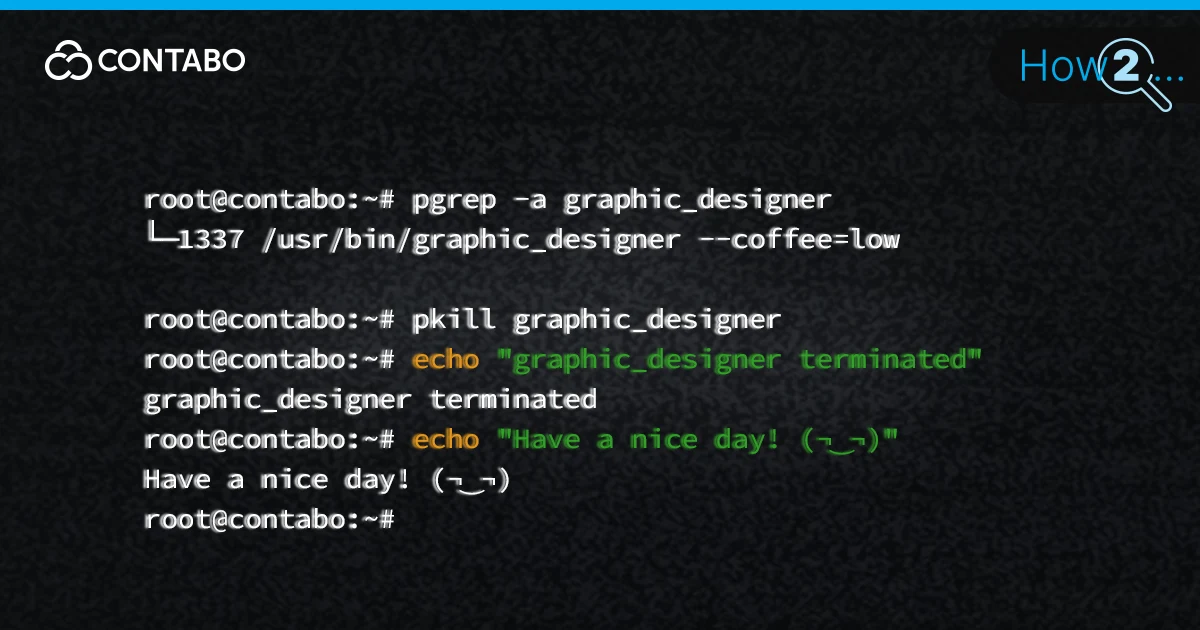
Master Linux process management. Learn to find PIDs and use kill, pkill, and killall commands with SIGTERM or SIGKILL to safely terminate unresponsive tasks.
Host Your Own AI Agent with OpenClaw - Free 1-Click Setup!
Master Linux process management. Learn to find PIDs and use kill, pkill, and killall commands with SIGTERM or SIGKILL to safely terminate unresponsive tasks.

You’ve spun up hundreds of deployments. Some crashed at 3 AM. Others scaled smoothly to millions of users. After more than 20 years running infrastructure, we can tell you this: the difference between website and web app isn’t academic. It determines your entire stack, your monitoring setup, your scaling strategy, and how many on-call alerts
Understanding Web Apps vs Websites: Key Differences Read More »
Running a Minecraft server sometimes also means dealing with griefers at 2 AM. Managing player permissions that seem to break every other day. Wrestling with repetitive admin tasks that turn your hobby into unpaid labor. Server commands fix all of that. They’re the difference between spending three hours manually teleporting stuck players and doing it

cPanel runs on 70% of all web servers worldwide. That’s not hype. It’s the control panel you’ll see when you log into most web servers, whether you’re running a personal blog or managing client websites. Here we will guide you through every essential cPanel feature – file uploading, domain management, email configuration, dbms management, backups

Master the Linux time command to measure process duration and CPU usage. Compare Bash built-ins vs. /usr/bin/time sys metrics.
Your website’s down. DNS issues? Maybe. You need answers fast. That’s where nslookup command comes in. This command-line tool queries DNS servers and retrieves domain information in seconds. It’s been around since the early internet days, and it’s still the go-to diagnostic tool for network administrators worldwide. We’ll show you how to use nslookup for

WordPress security isn’t optional, especially once your site starts getting traffic. This guide walks you through 10 practical ways to protect your WordPress site, from stronger logins and updates to backups and hardening. Follow these steps to reduce risk, stop common attacks, and keep your site stable and trustworthy.
WordPress Security: 10 Ways to Keep Your Website Safe Read More »

Vanilla Minecraft is fine. But let’s be honest: after you’ve built your hundredth dirt house and mined your thousandth diamond, the game starts to feel repetitive. That’s where mods come in. Minecraft mods are player-created modifications that alter the game’s code to add new features, mechanics, and visuals. They can transform your blocky world from
Essential Minecraft Mods For Any Minecraft Server Read More »

Laravel handles the grunt work of web development. You get a PHP framework that doesn’t force you to write boilerplate code for routing, authentication, or database queries. It ships with everything you need to build modern web applications without reinventing the wheel. This framework works equally well for back-end API development and full-stack applications. Pair
Learn how to fix the WordPress HTTP 500 internal server error. Troubleshoot plugins, themes and server issues fast
Fix WordPress HTTP 500 Error: Step-by-Step Guide Read More »
Docker commands. You’ll need them. Every single day. The problem isn’t learning Docker. The problem is remembering which command does what when you’re three deploys deep and your production environment is burning. This guide breaks down the commands you’ll actually use, organized by what they do instead of alphabetically because that’s how your brain works
You type a web address. Milliseconds later, a website appears. That’s DNS working behind the scenes, translating bestsiteever.com into the numerical IP address 66.249.70.11 that computers actually use to find servers. Without DNS, you’d need to memorize strings of numbers for every site you visit. Worse, when DNS fails, websites don’t load, emails bounce, and
Understanding DNS: Complete Guide to Domain Name System Read More »

Your website’s loading in Tokyo. The server? Berlin. That’s a huge trip for every image, script, and stylesheet. You’re watching money burn. Content delivery networks don’t solve world hunger, but they’ll stop your bandwidth bill from resembling the national debt. A CDN is a distributed network of servers that caches your website’s static files closer
Content Delivery Networks – How Do They Actually Work? Read More »
You’re shopping for web hosting. The provider throws “dedicated IP address” at you like it’s essential. Maybe it is. Or is it just upselling? Here’s the thing: most websites don’t need a dedicated IP. But some do. The difference matters if you’re running email campaigns, building enterprise applications, or just trying to keep your website

Apache web server has powered websites for over 25 years. While NGINX overtook it in market share, Apache remains relevant for its flexibility, mature module ecosystem, and LAMP stack compatibility. This guide explains what Apache server actually is, how it processes HTTP/HTTPS requests, its role in web application architecture, and key features. Learn when Apache makes sense for your projects and when alternatives might fit better.
